Understanding the Sidekick Permission
User permissions set in a team member’s profile determine which features they can access in Therapy iQ. In this guide, we will walk through the Sidekick iQ permission.
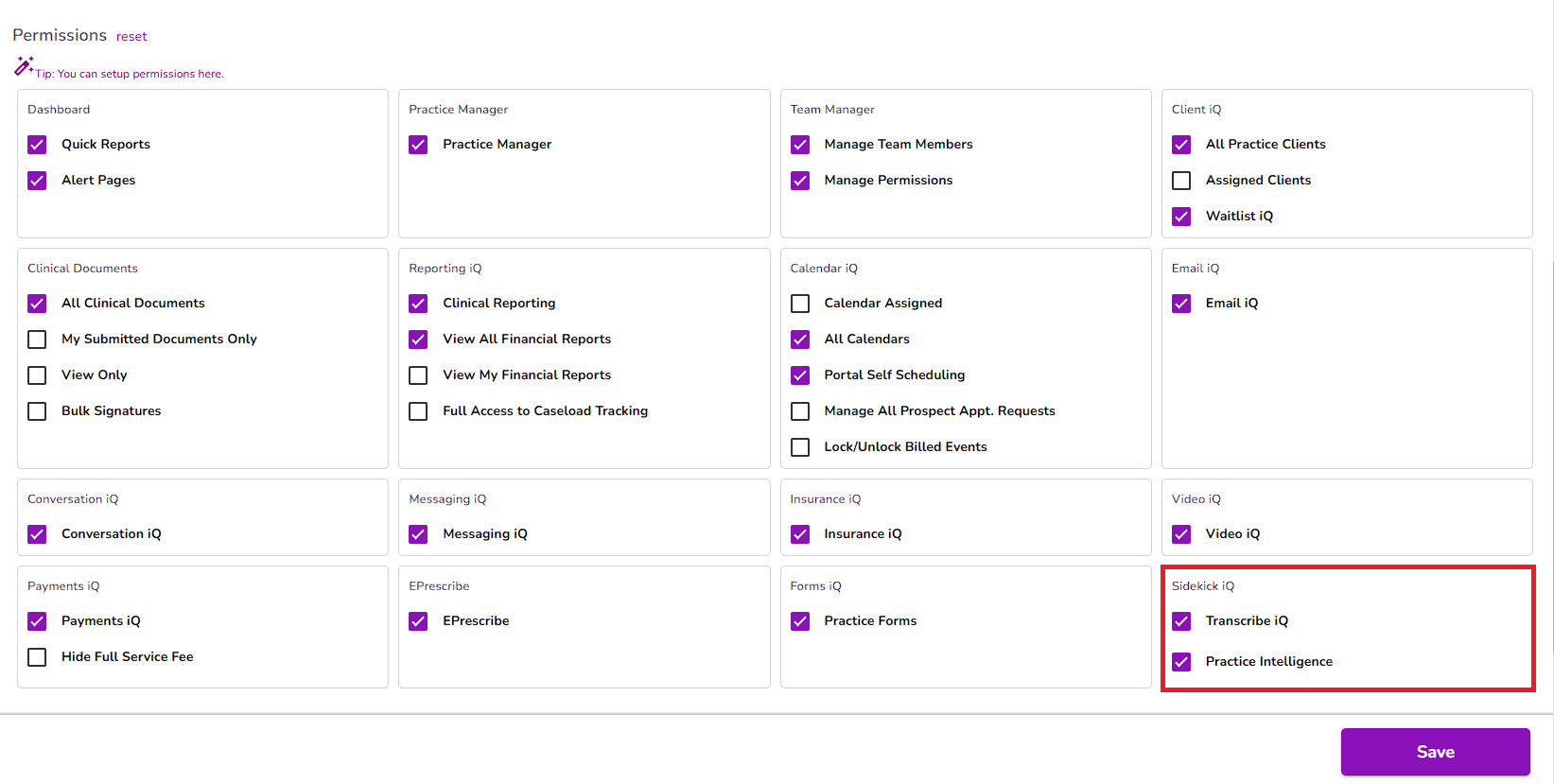
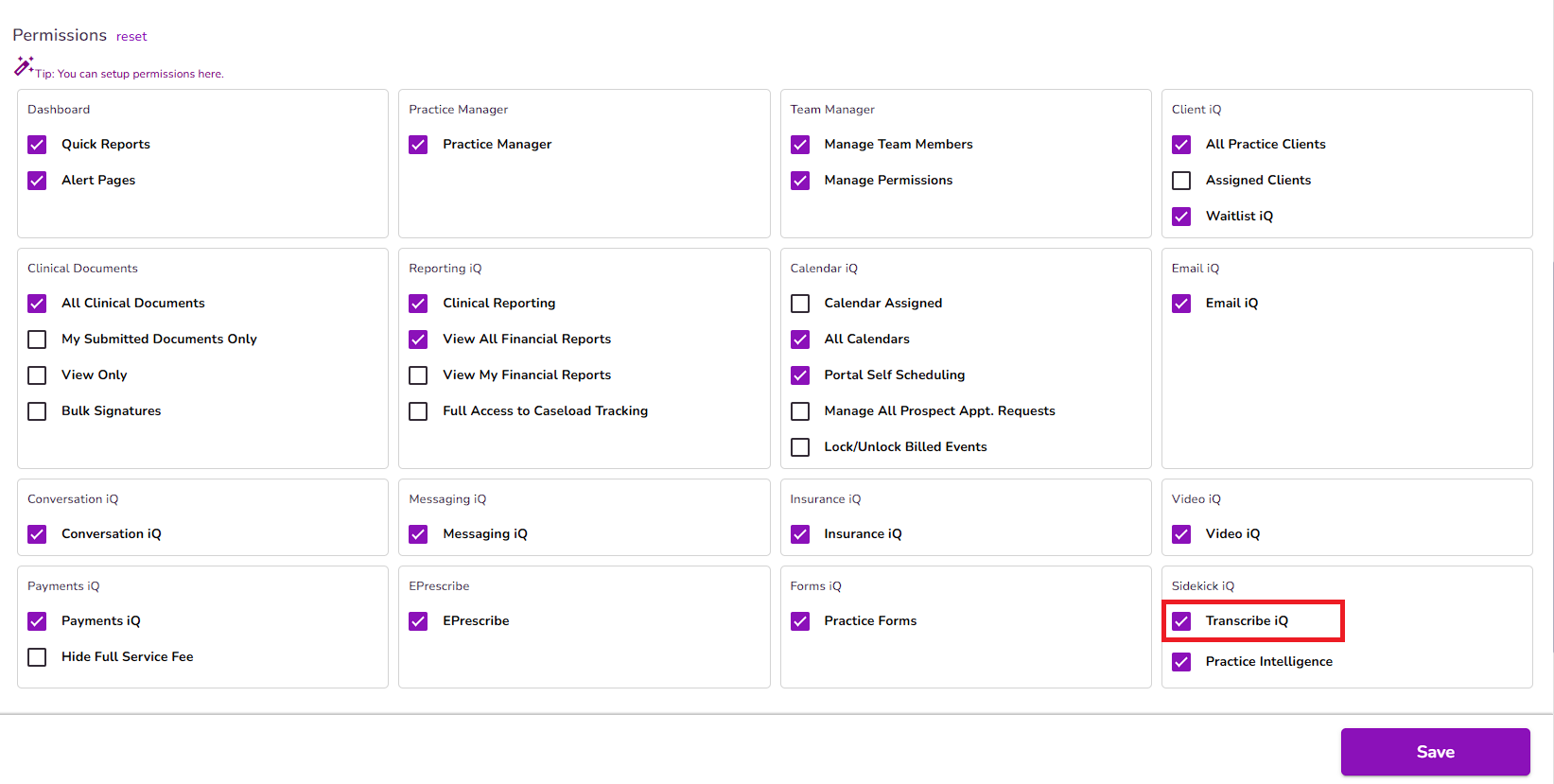
From the user profile, the Sidekick iQ permission box allows you to enable both Transcribe iQ and Practice Intelligence.
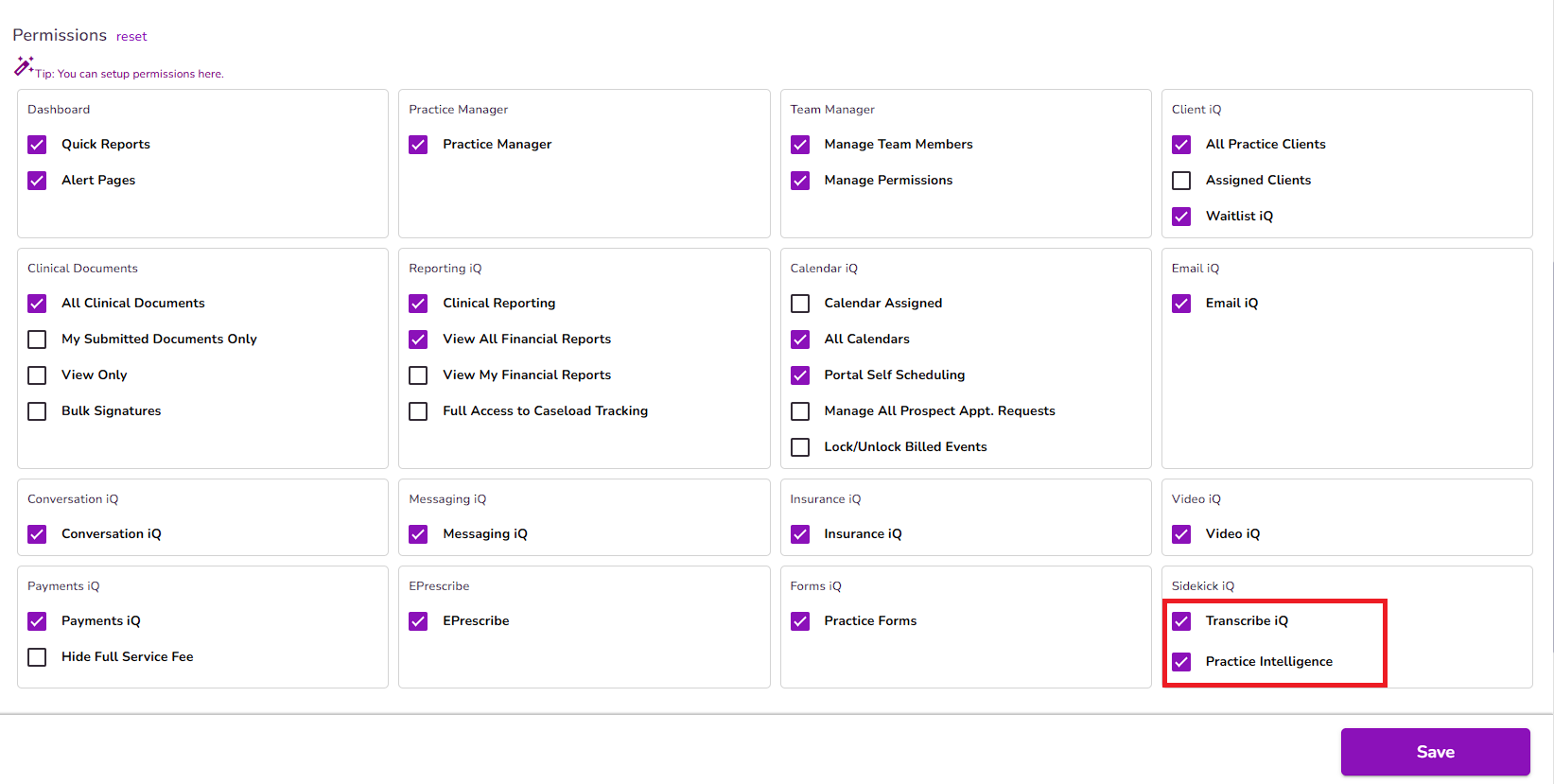
Transcribe iQ gives users access to our AI-powered transcription tool, which generates transcripts for both in-office and telehealth sessions. These transcripts are automatically added to the Detail Summary field in progress notes or in any custom note that includes the AI transcription field.
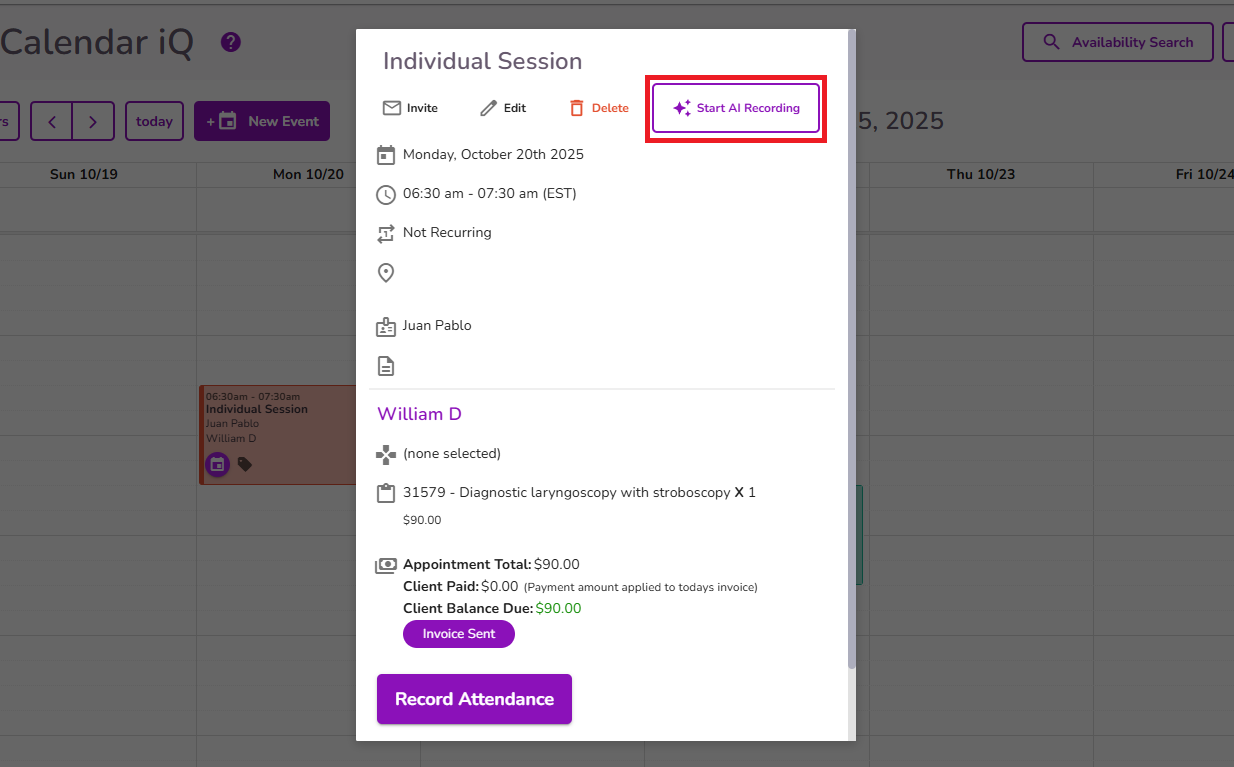
For in-office sessions, transcription can be started directly from the event by selectin the Start AI Recording button.
For telehealth sessions, it can be initiated through the Video iQ feature before starting the session.
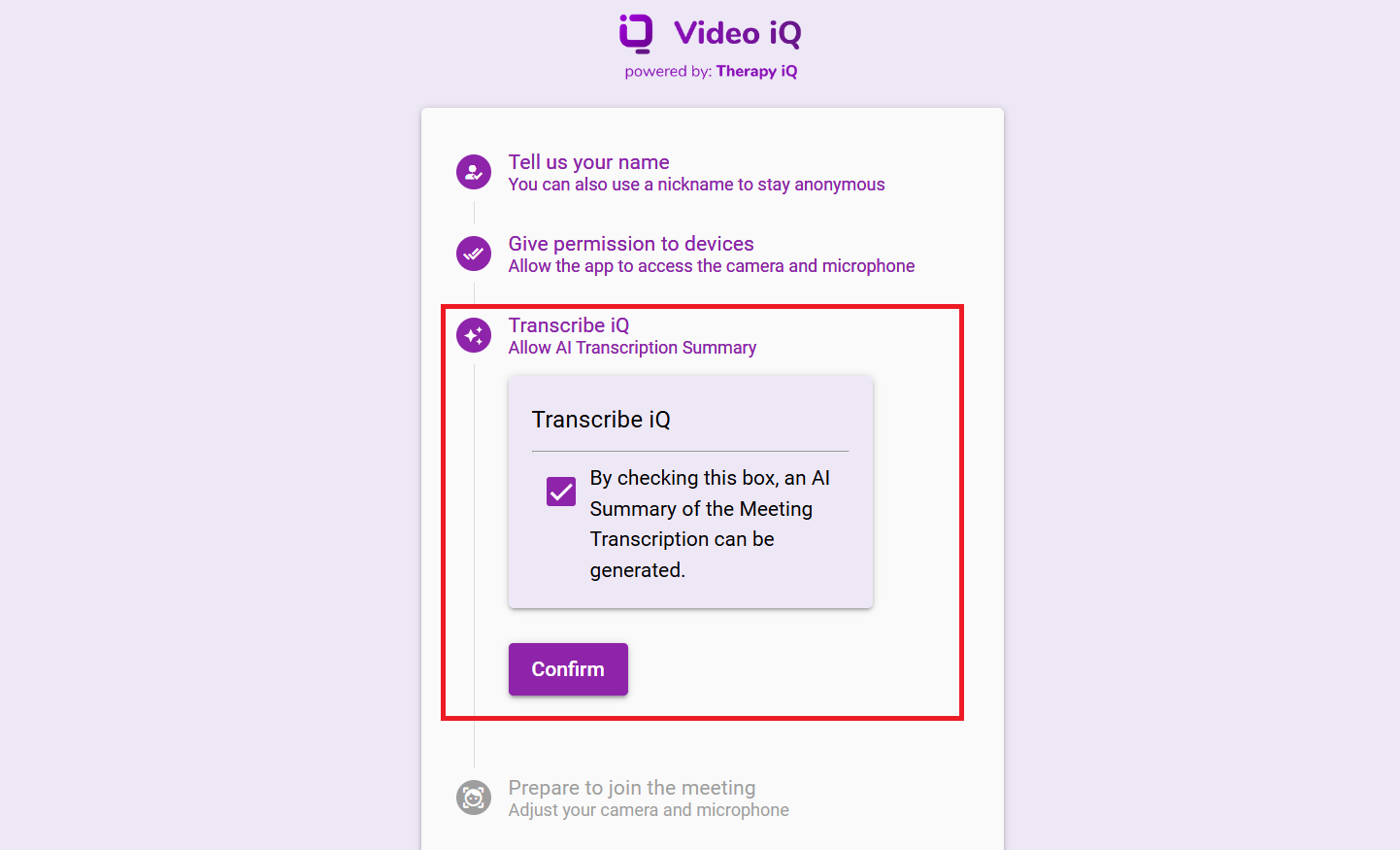
For additional information, please refer to our Understanding Transcribe iQ guide.
Practice Intelligence provides users with AI-driven insights.
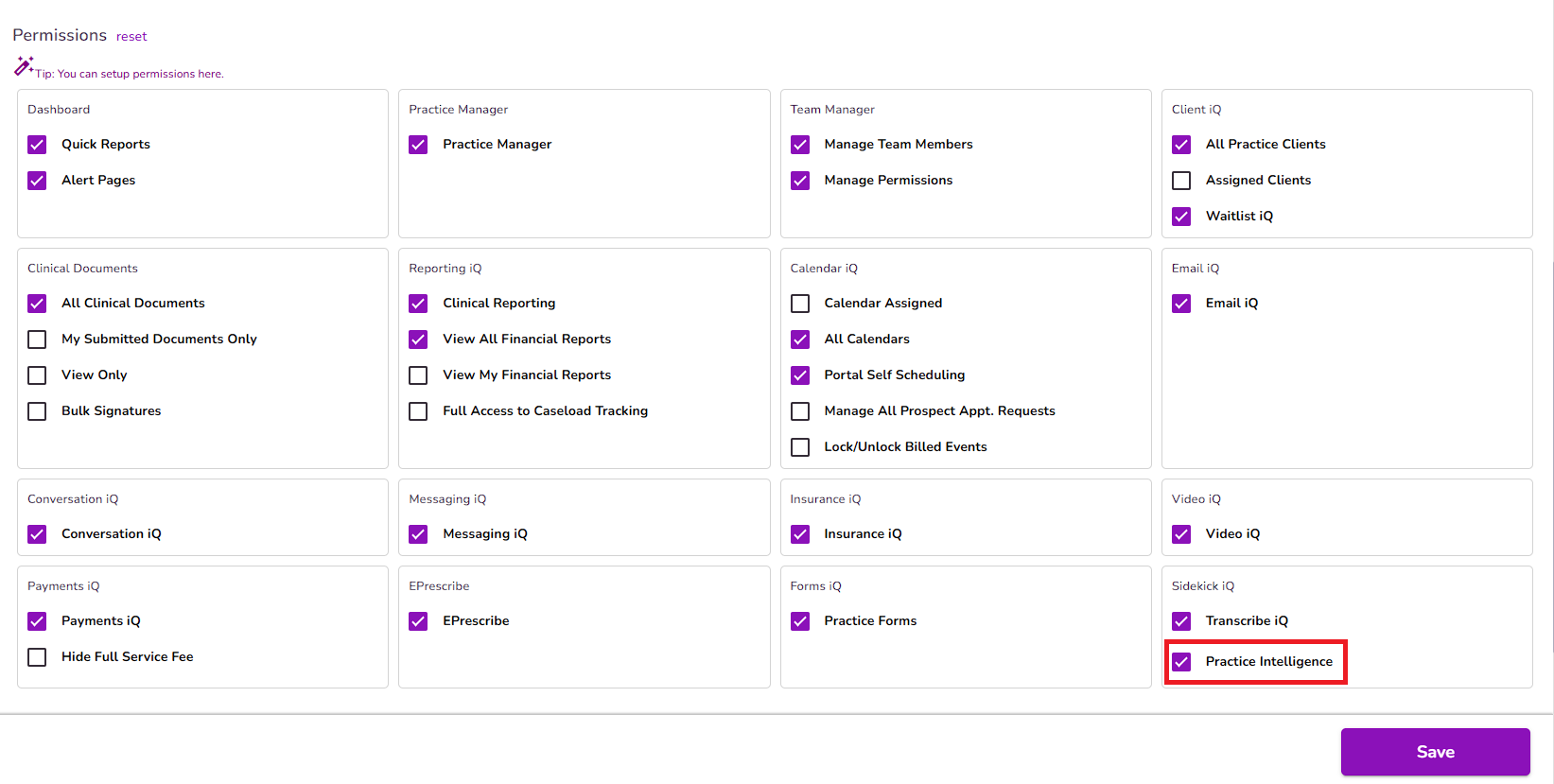
With this feature enabled, users can ask questions anywhere in the platform to gather relevant information instantly, and review past conversations for reference.
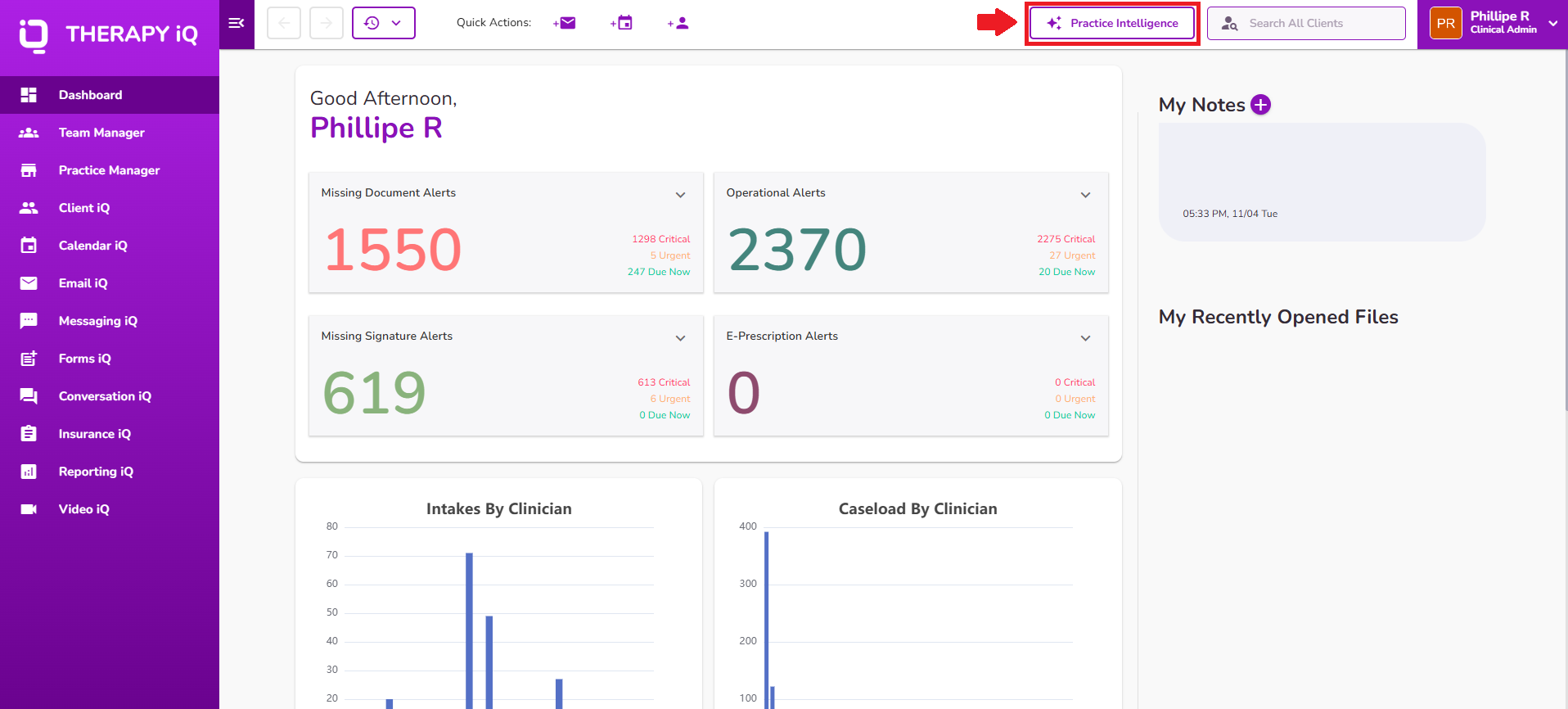
You can start a new conversation or review past searches by selecting the Practice Intelligence button.
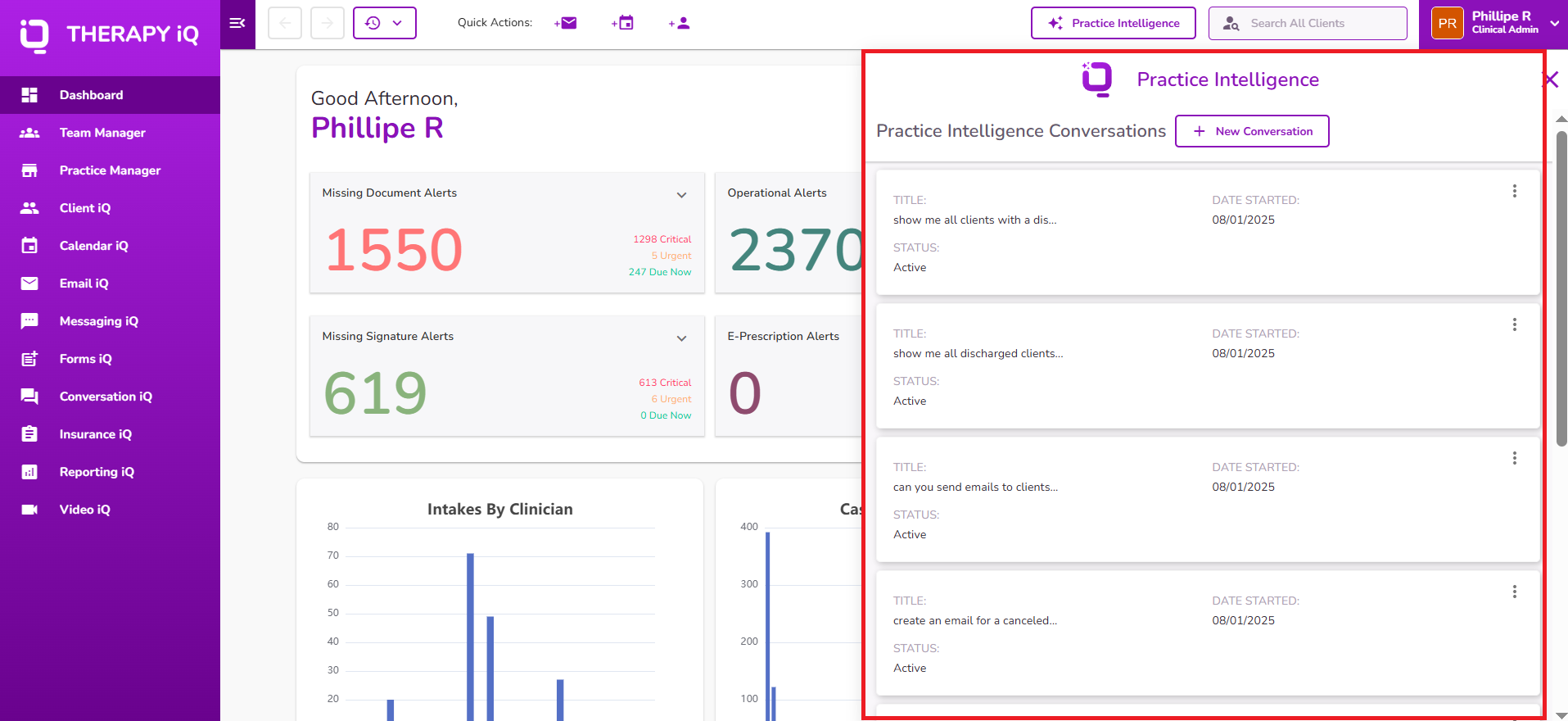
By using prompts and asking targeted questions, you can gather valuable information from your practice and clients.
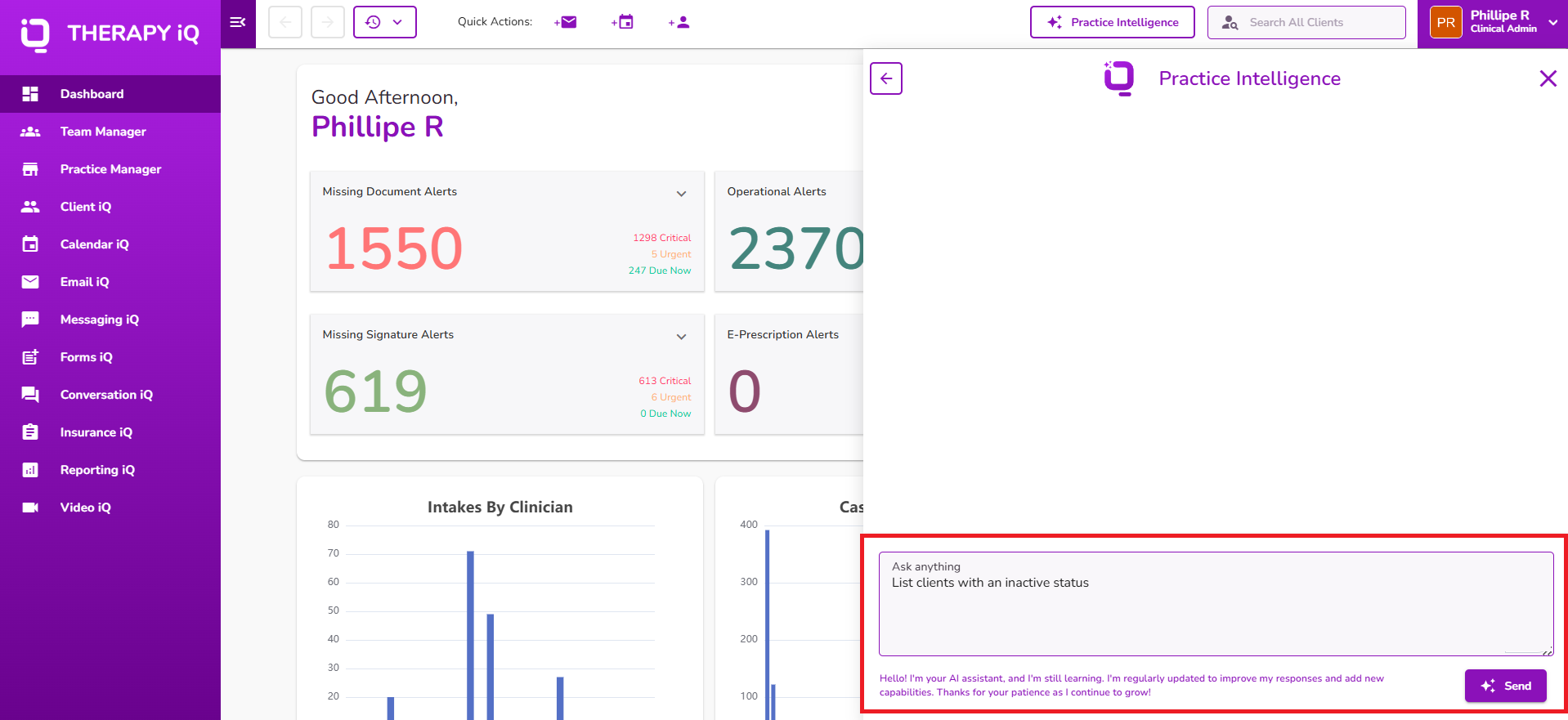
For additional information about Practice Intelligence, please refer to our guides below:
Understanding Practice Intelligence iQ
Practice Intelligence iQ: How to Prompt Questions
Note: If these permissions are disabled, the user will not have access to these features.
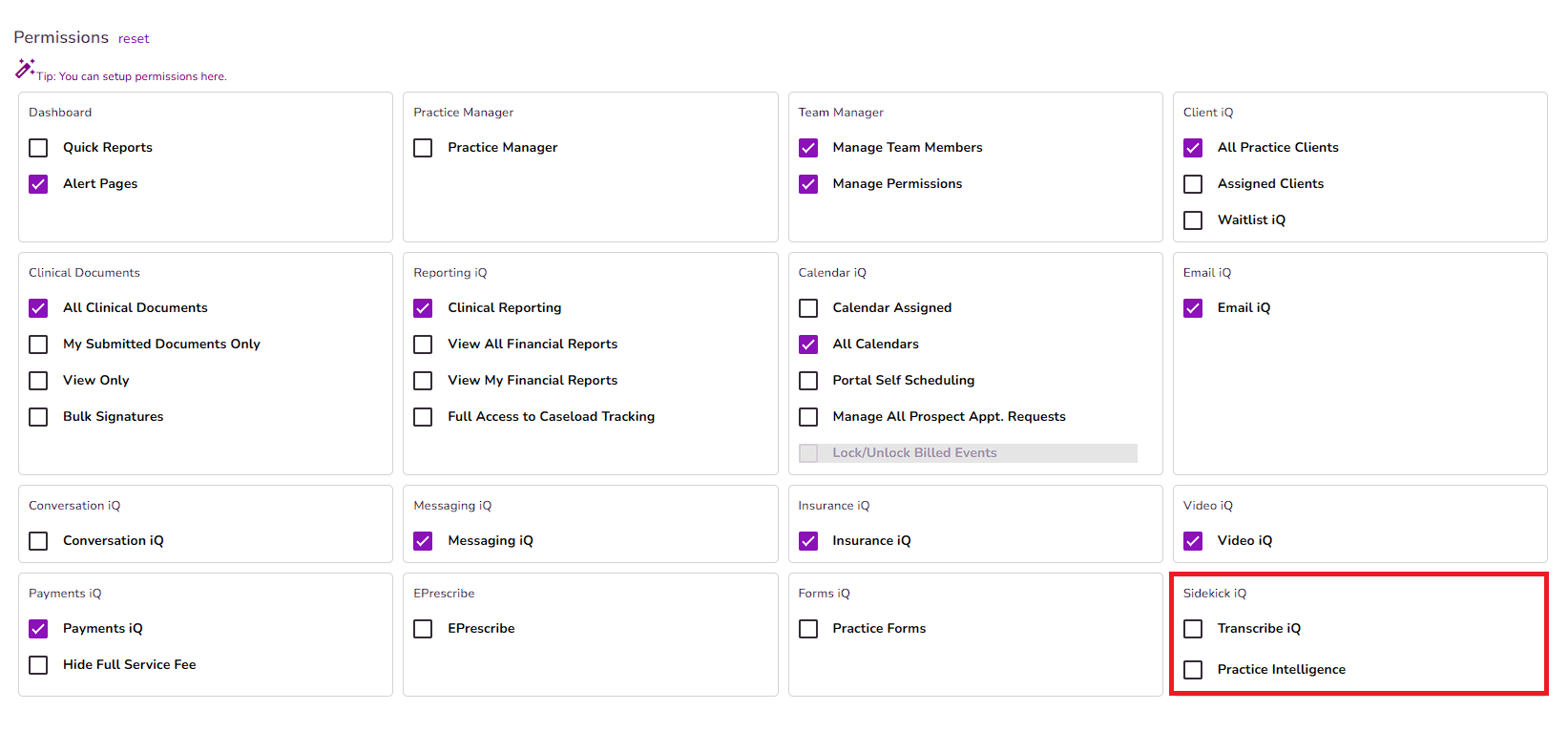
Please note that permissions are tied to subscription seats. Once a permission is enabled, a corresponding seat must be available in your practice subscription.
For additional information about your subscription, please refer to our Manage Your TiQ Billing guide.


