Client-Level Payment Card Prompt
The payment card prompt on the client portal can now be configured at the individual client level.
Staff can now enable or disable the payment card prompt for individual clients, allowing practices to define which clients should be prompted to add their payment card information.
👉 Learn more about prompting clients to enter payment card information.
Client-Level Portal Self Scheduling
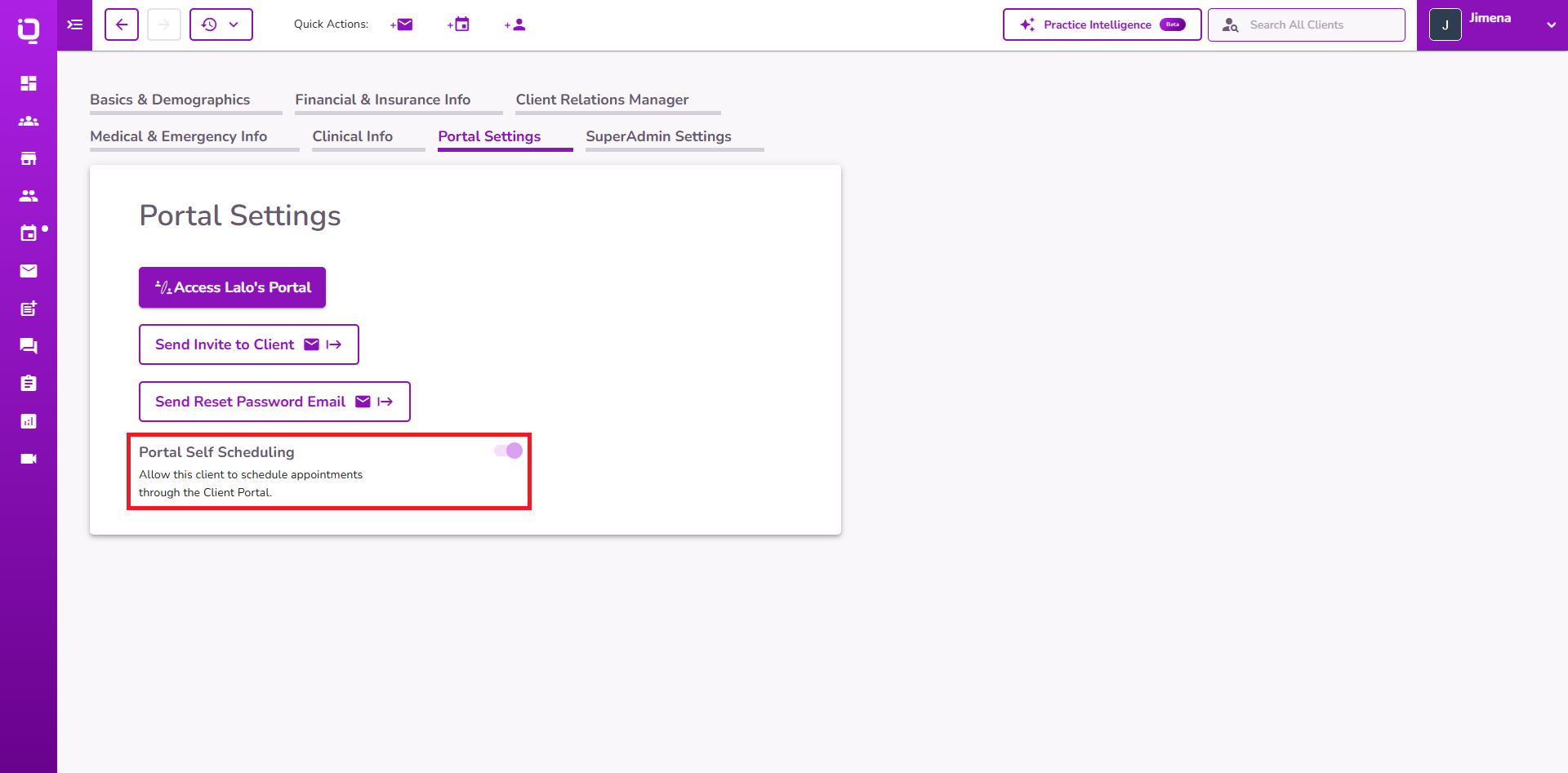
Portal Self Scheduling can now be configured at the client level.
Providers can enable or disable self-scheduling for individual clients in addition to the existing practice-wide self-scheduling setting, providing greater control over which clients can schedule appointments through the Client Portal.
👉 Learn more about Client Self Scheduling.
Bulk Form Sending for Existing Clients
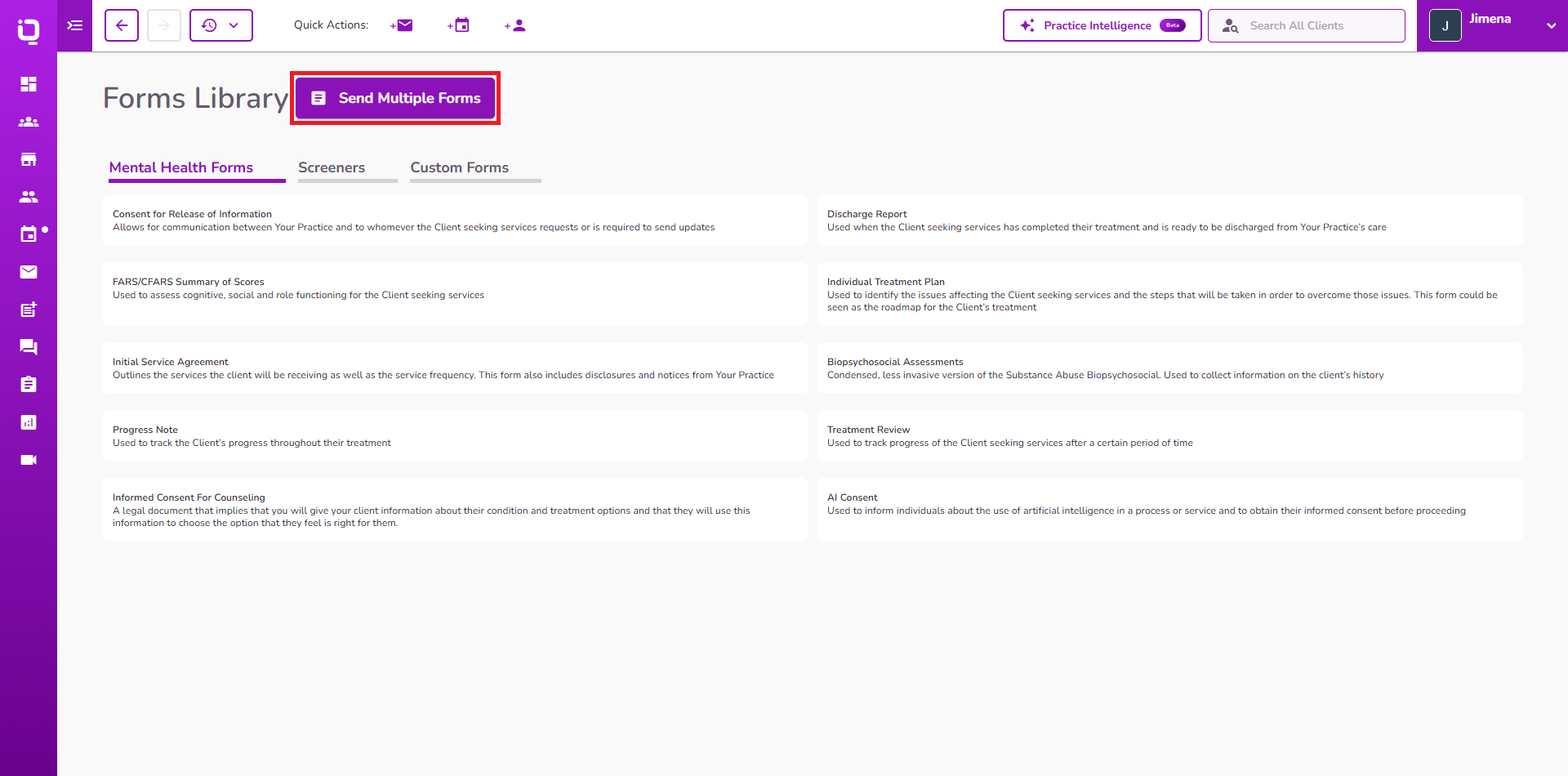
Providers can now send multiple forms to an existing client at once through the Forms Library.
Multiple intake, custom, and screener forms can be selected and sent together, making it easier to request additional documentation from clients who are already using the portal.
👉 Learn more about sending forms to clients.
Progress Note Service Selection
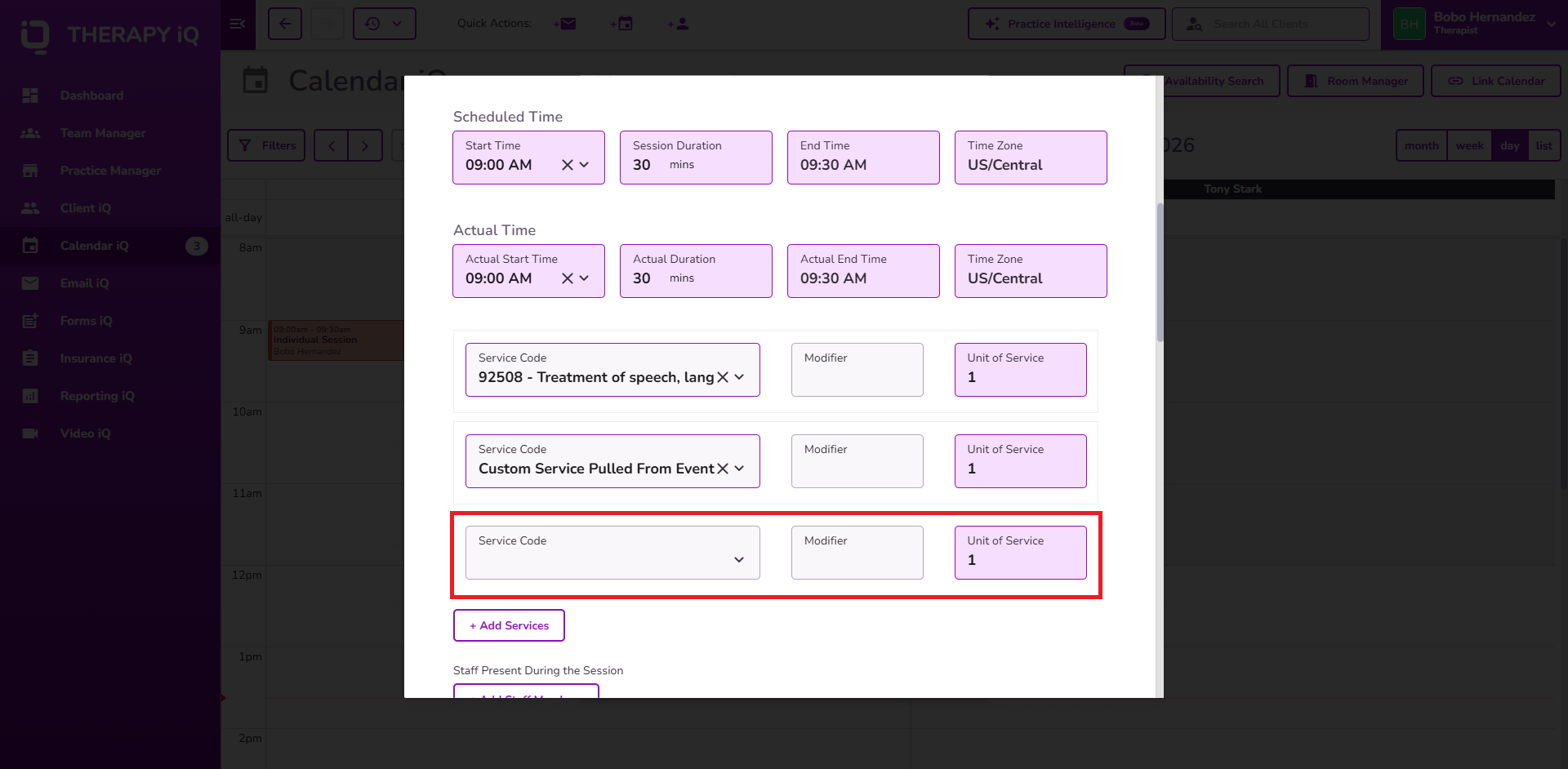
Progress Note service selection has been updated to display only services assigned to the client.
Providers will no longer see all services configured for the practice when documenting a Progress Note, helping ensure that the selected service matches the services assigned to the client.
👉 Learn more about Progress Notes and client services.
Insurance Information Timeline Updates
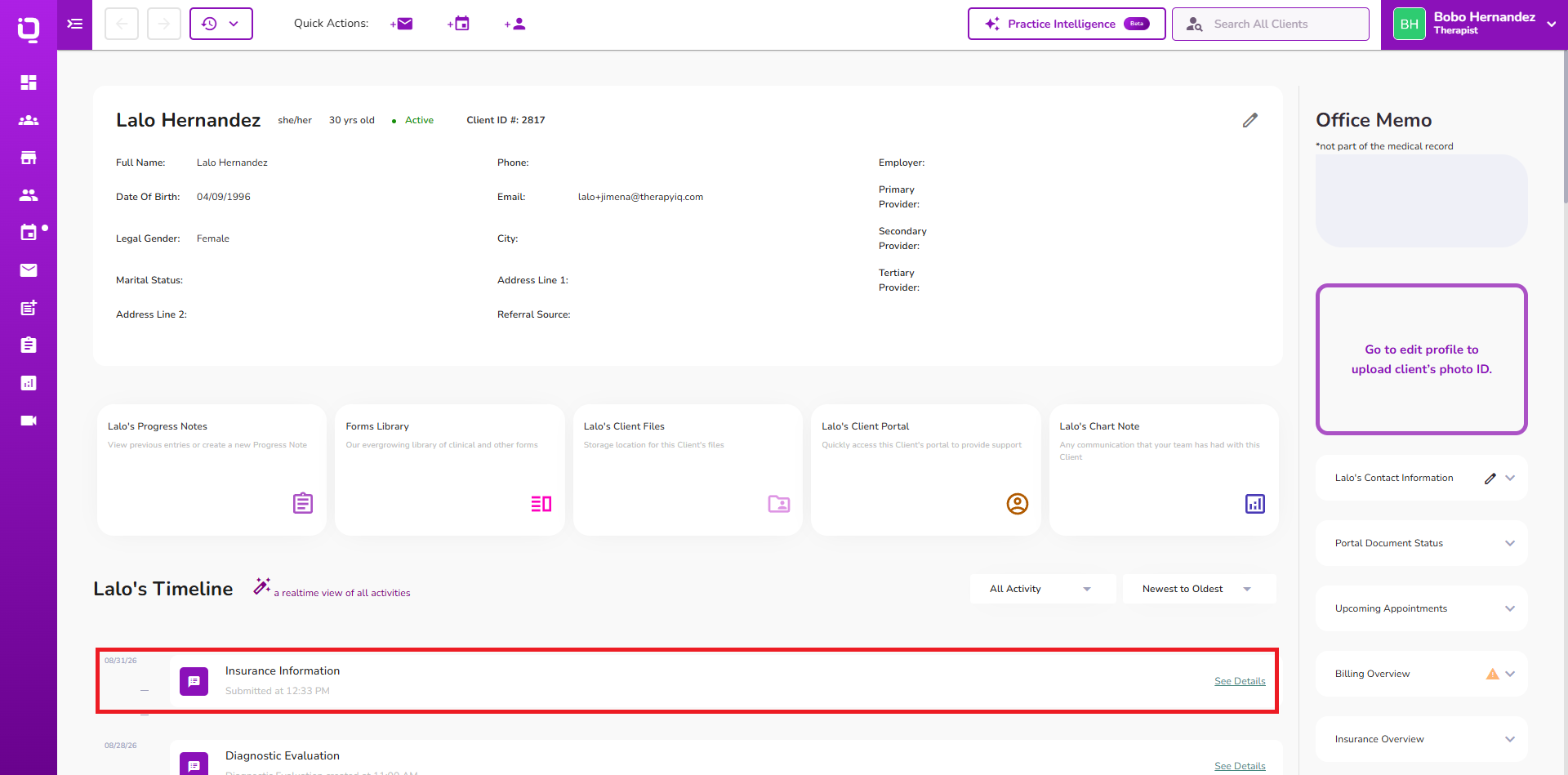
Client Timeline now records an insurance information update when a client adds or updates insurance information through the Client Portal.
This provides staff with a clear record of insurance changes made through the portal and improves visibility into client-initiated insurance updates.
New Leads Dashboard Alert
The New Leads dashboard alert has been updated to display only leads that are currently considered new.
Archived leads are no longer included in the New Leads alert, helping ensure that the alert reflects leads that still require attention.
