Expanded Hide Full Service Fee Permission
The Hide Full Service Fee permission now hides fee-related information in additional areas of Therapy iQ.
This includes applicable fee information in the Dashboard, New Event, Client Profile, User Profile, Treatment Plans, Practice Manager, and Reports.
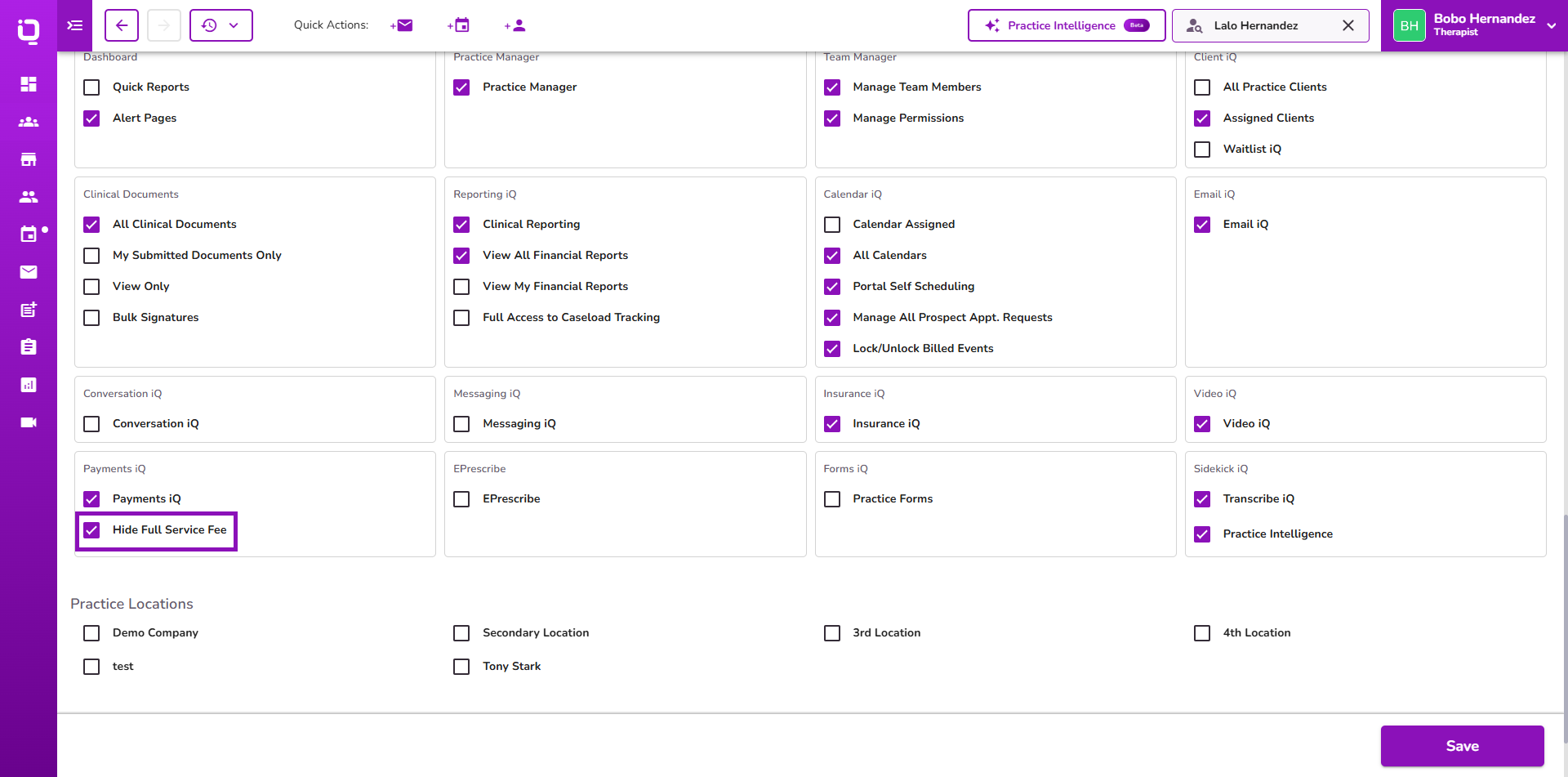
👉 Learn more about managing permissions.
Preferred Names for Non-Billable Downloads
Non-billable forms and files now use the client's Preferred Name in the downloaded filename when one is available.
If no Preferred Name is configured, the client's Legal Name is used. Standard billable forms continue to use the Legal Name.
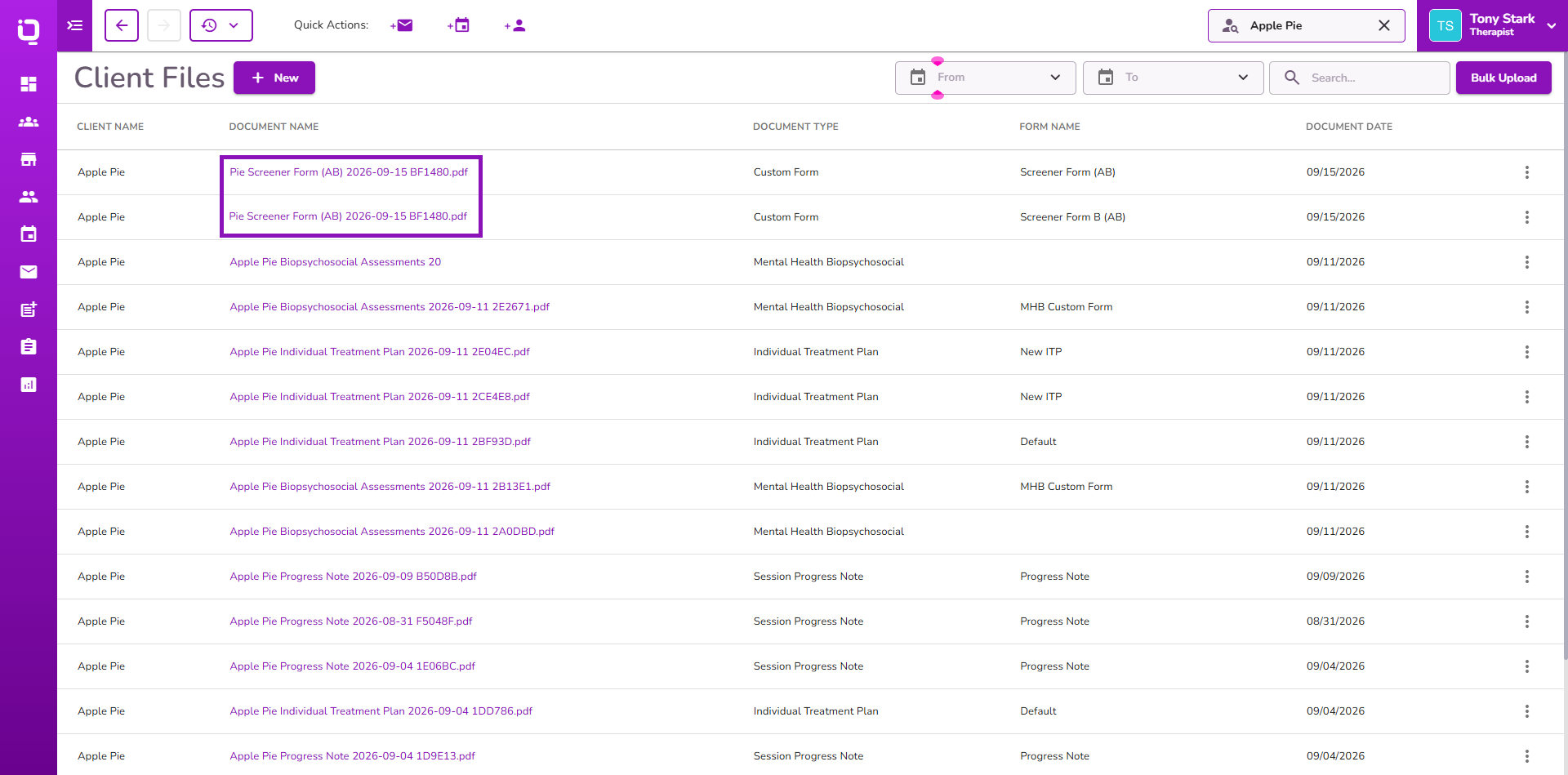
👉 Learn more about client files.
Manual Insurance Payments Update Claims
When a manual insurance payment is recorded for a claim, the associated claim status now automatically updates to Paid.
This helps keep claim statuses consistent when insurance payments are entered manually.
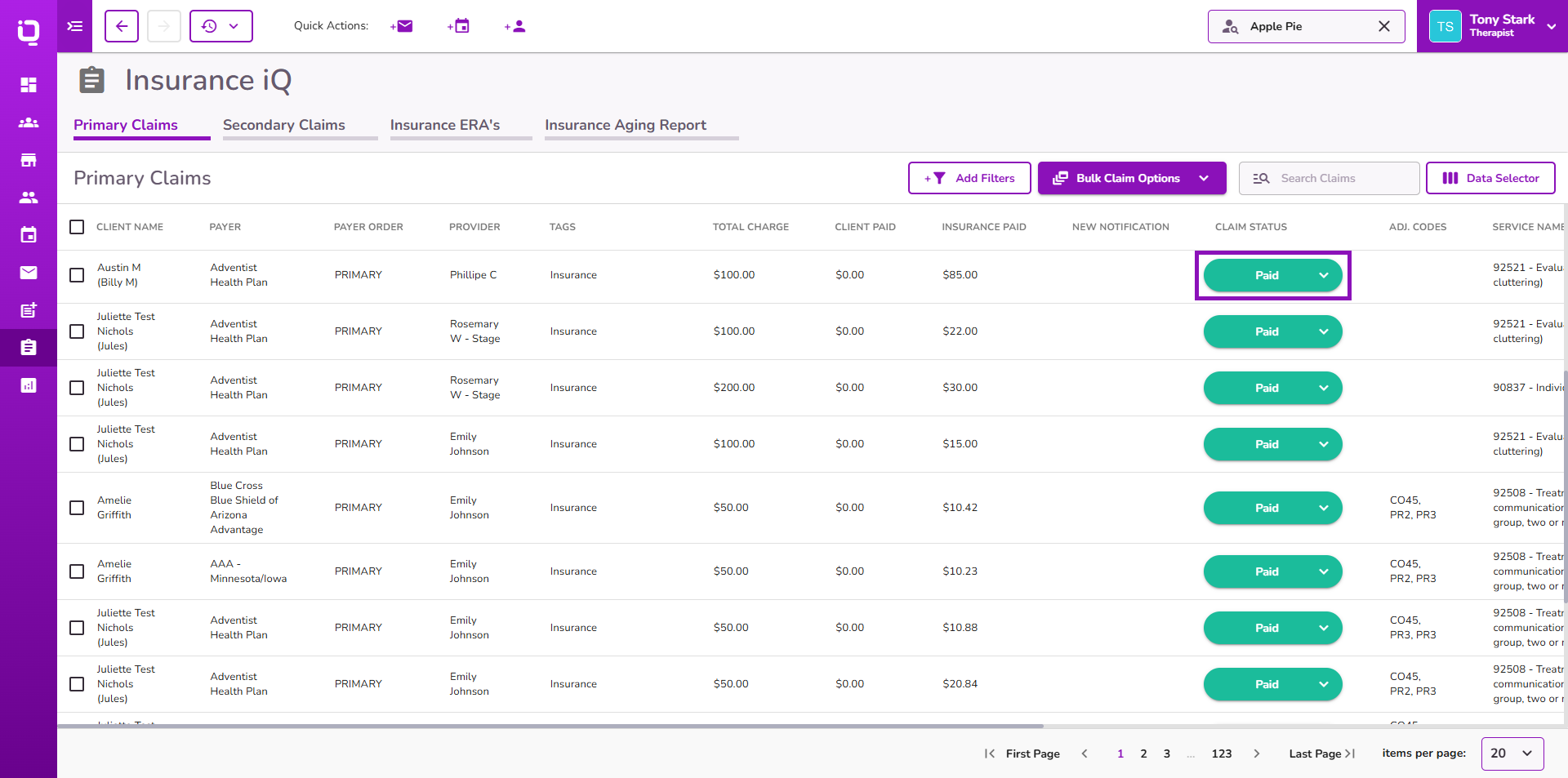
👉 Learn more about claim statuses.
Locked Forms in Client Timeline
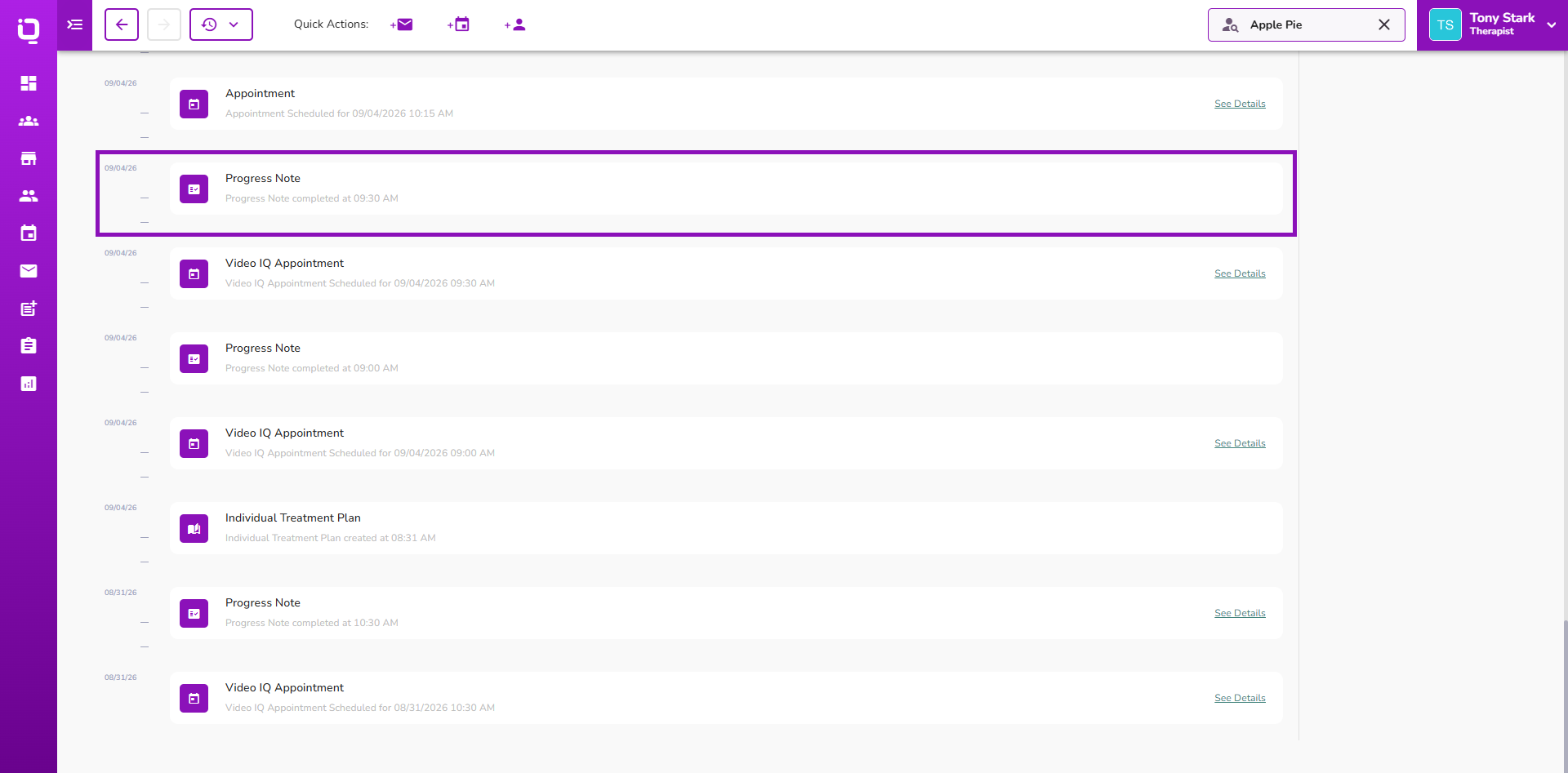
Locked forms can not be accessed for editing from the Client Timeline.
The See Details option is removed once a form is locked, while unlocked forms remain accessible as usual.
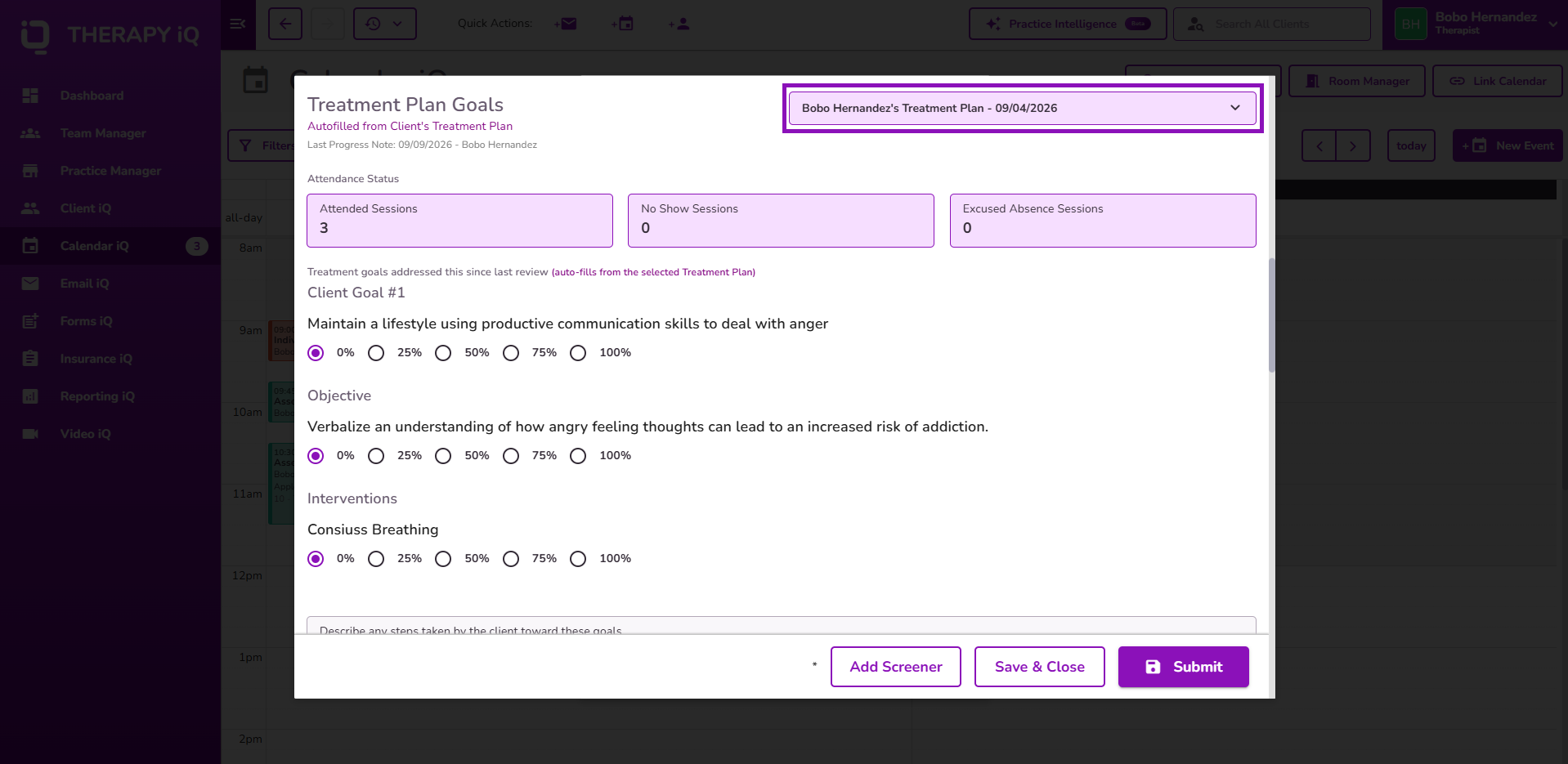
Treatment Plan Selection in Treatment Reviews
Providers can now select the Related Treatment Plan when completing a Treatment Review.
The selected plan's Goals, Objectives, and Interventions are displayed, along with the latest progress from submitted Progress Notes associated with that Treatment Plan.
👉 Learn more about reviewing Treatment Plan progress in Treatment Reviews.
