Understanding the Pre-Authorized Units Alert
The Expiring Pre-Auths Units Alert on your dashboard helps you monitor authorizations that are approaching expiration based on the number of units remaining. This allows you to track the remaining authorized units and take the necessary actions on the client’s profile and upcoming appointments before the authorization expires.
This guide will walk you through setting up and managing pre-authorization services by unit from your dashboard.
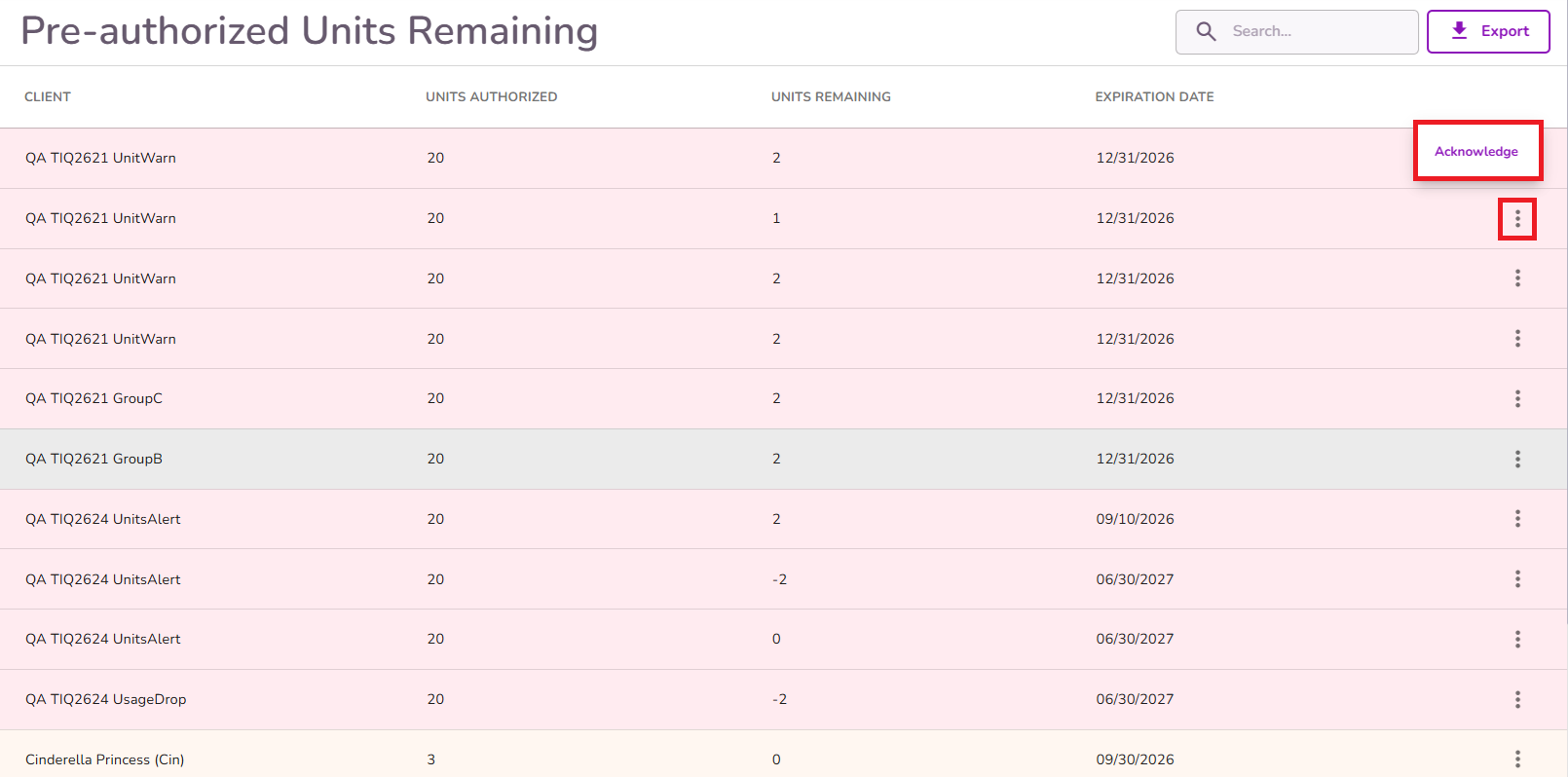
You can find the Expiring Pre-Auths Units Alert under the Operational Alerts section of your dashboard.
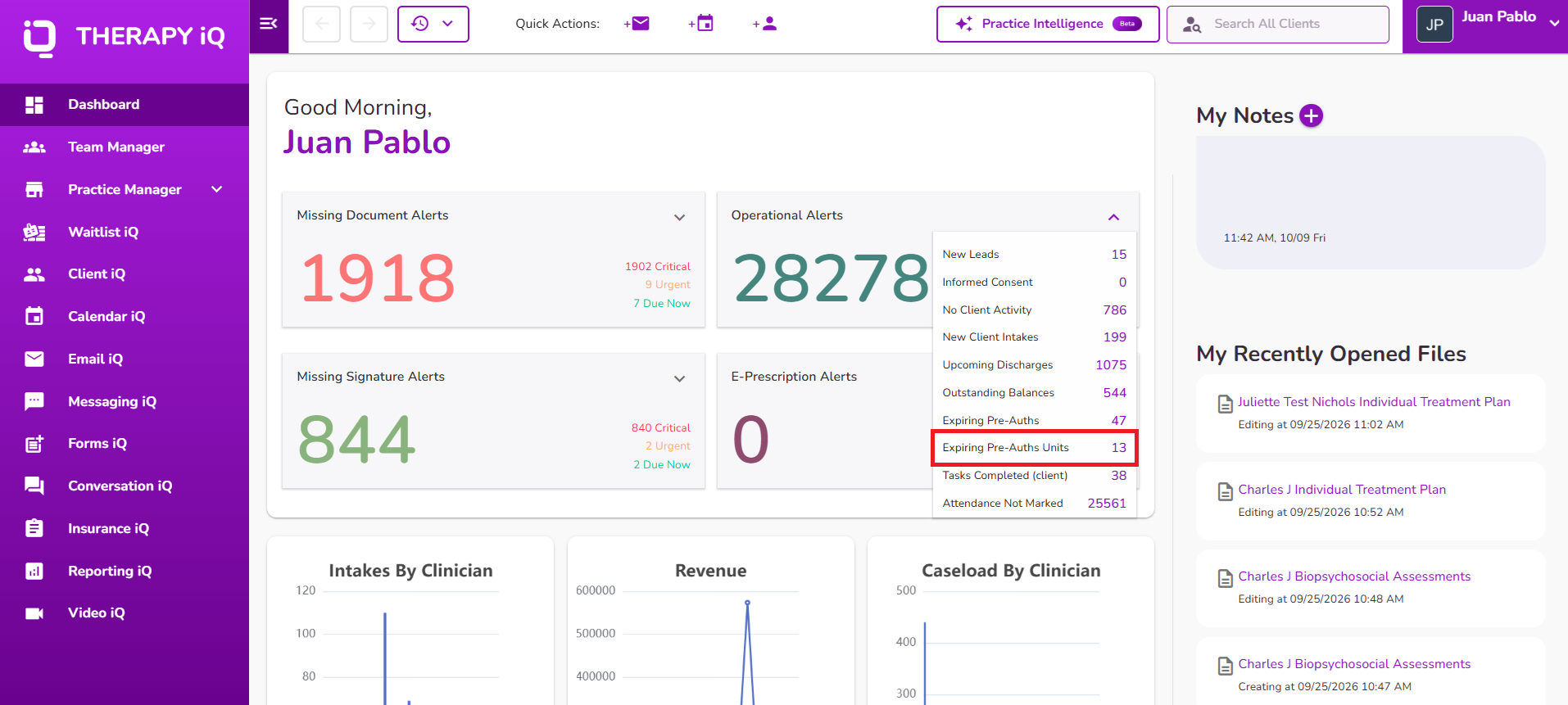
These alerts identify clients whose authorization units are approaching expiration based on the "Units remaining" frequency configured in Practice Manager.
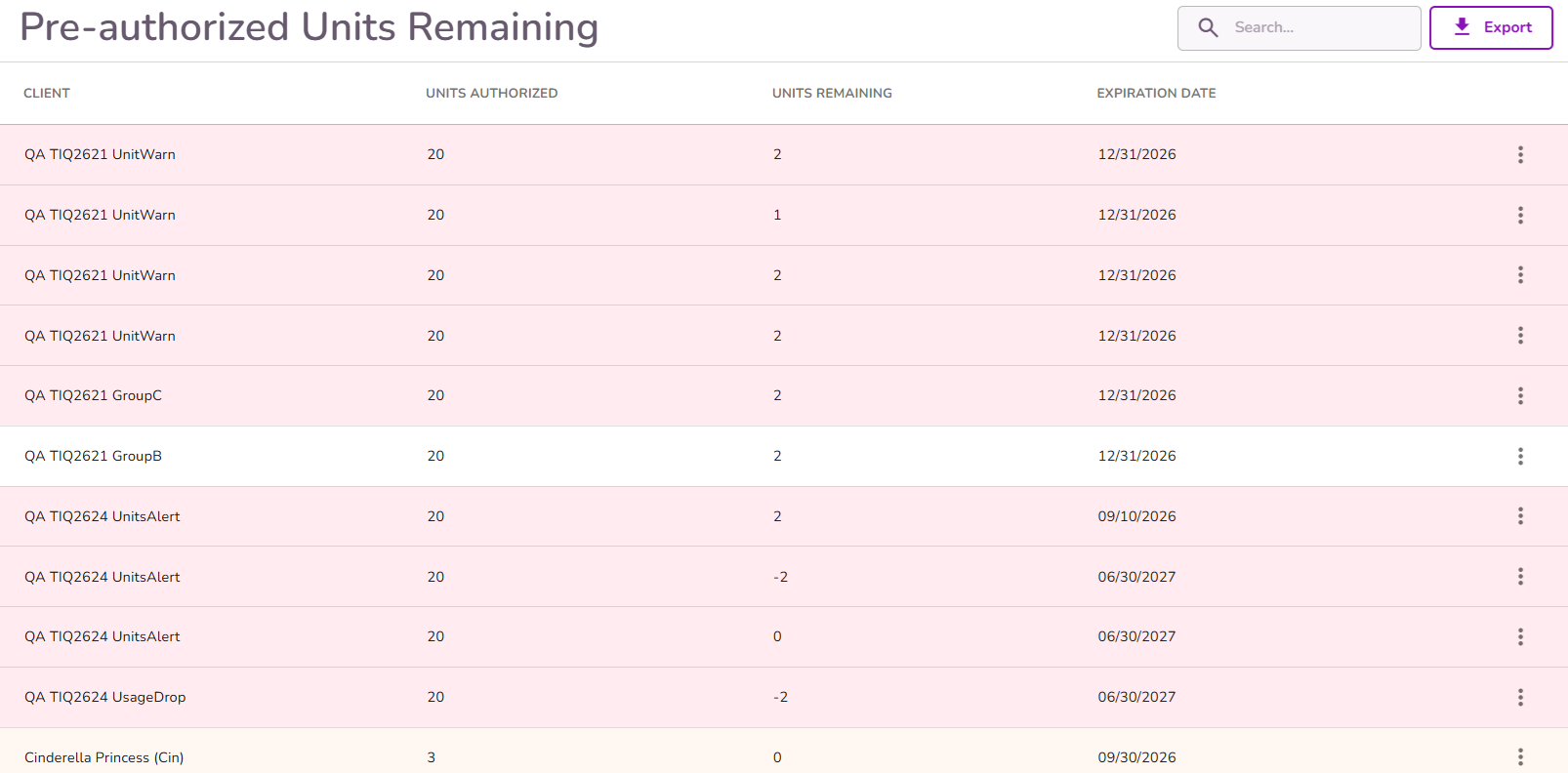
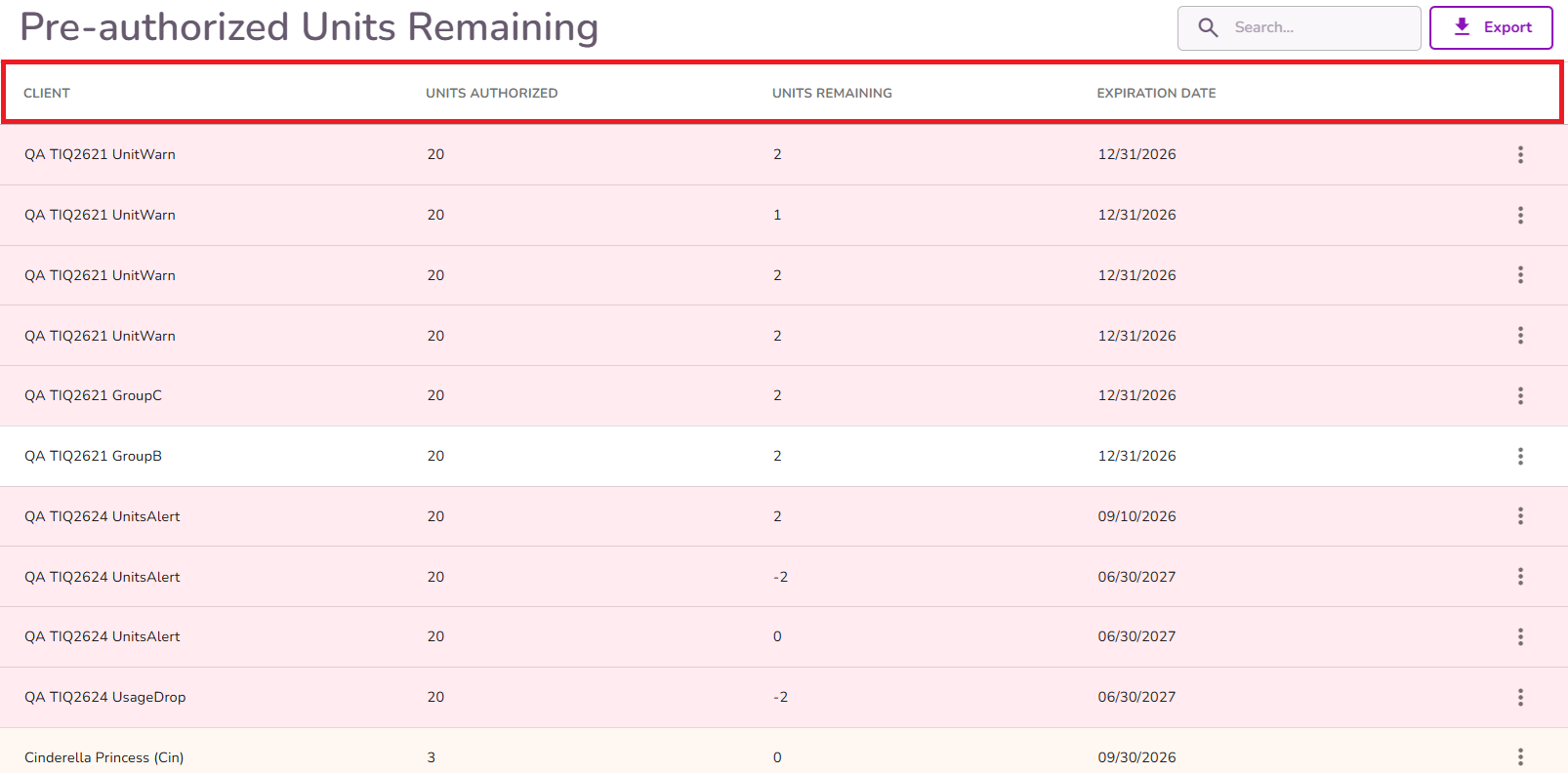
The alert log displays the client’s name, authorized units, remaining units, and expiration date.
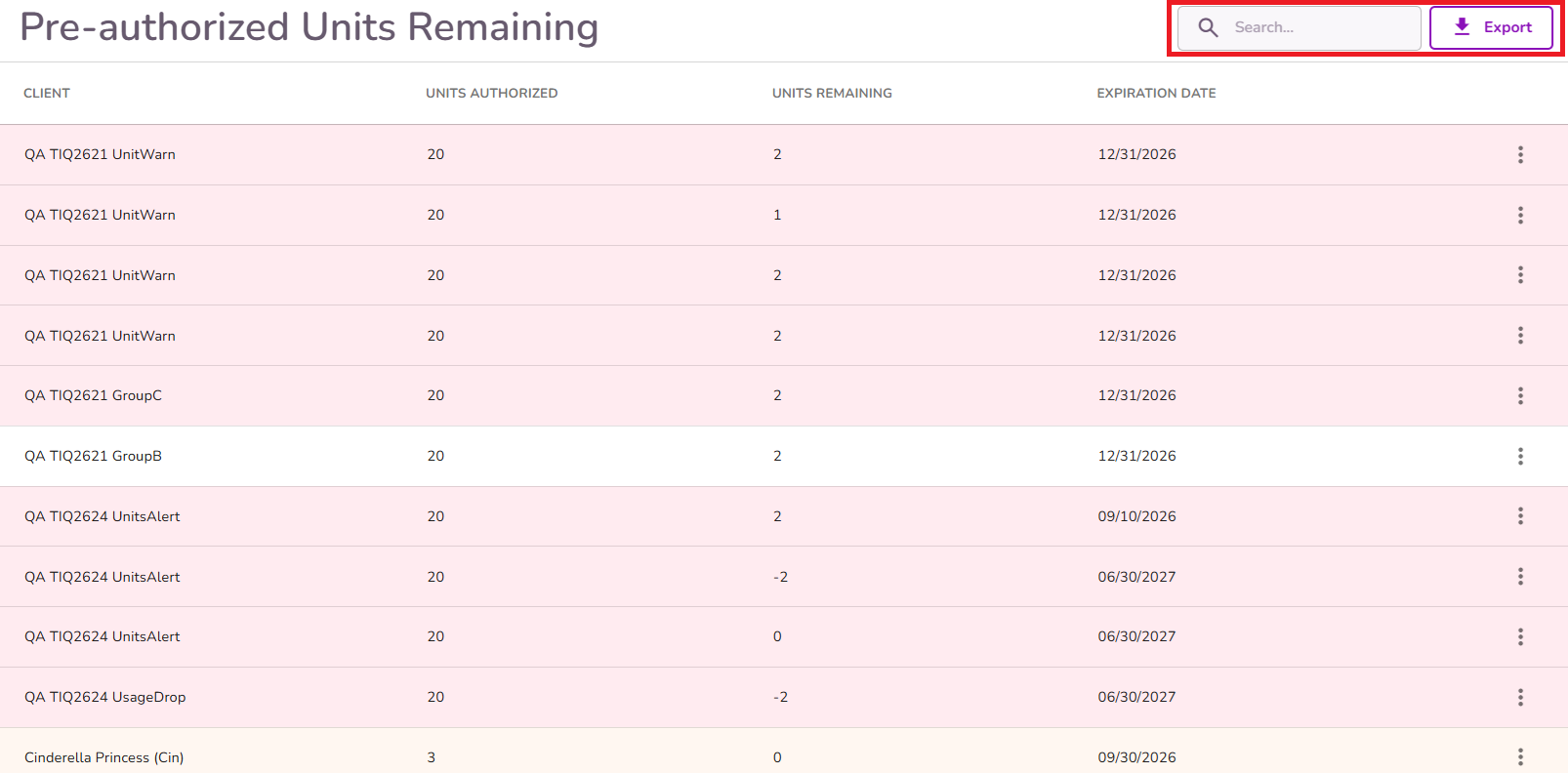
You can use the search bar at the top right to find a specific client by entering their name. You can also export the client list to your device.
These alerts indicate that the client has the displayed number of authorized units remaining and may need to update their authorization. You can clear an alert by selecting Acknowledge from the three-dot menu.
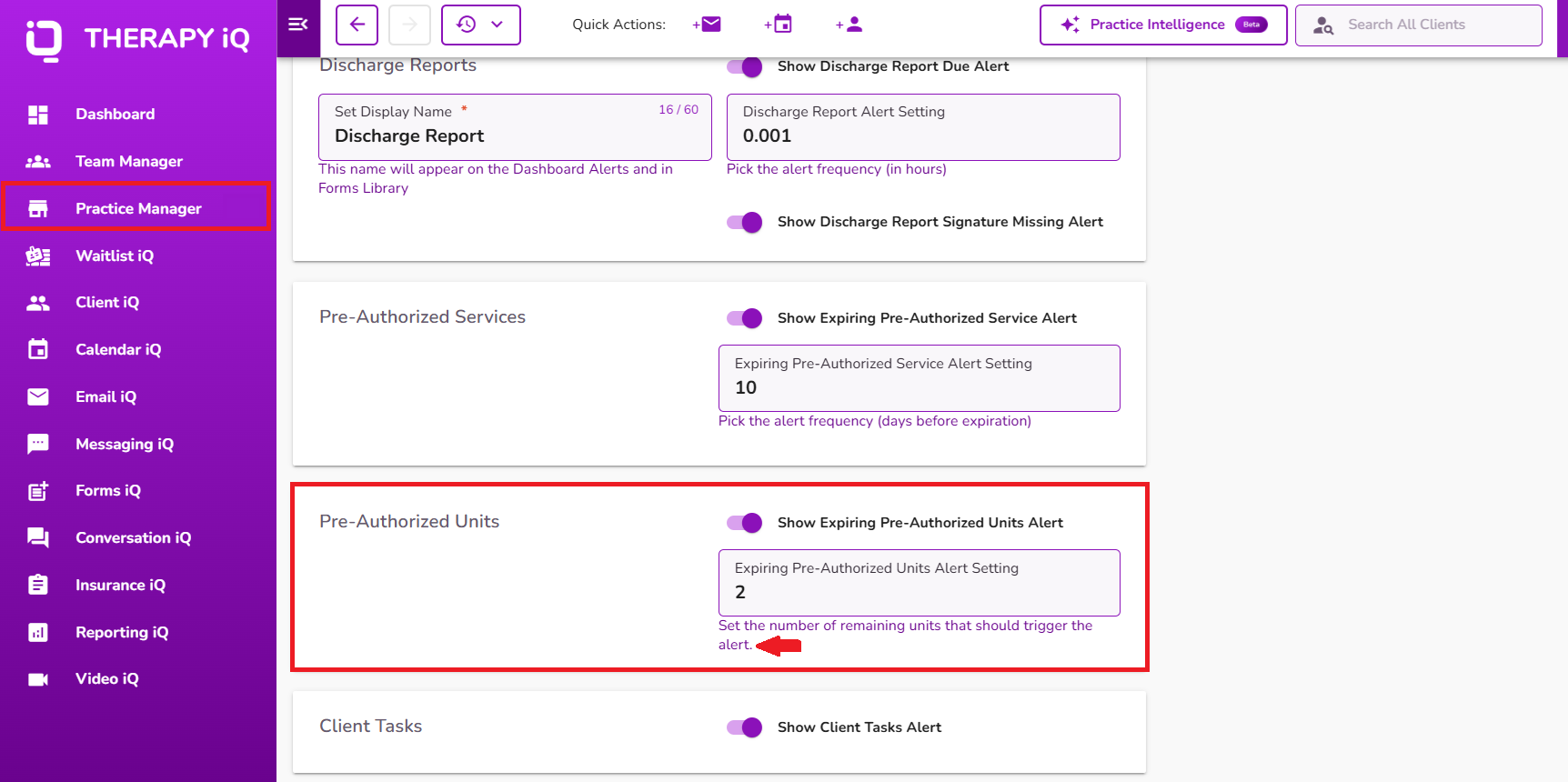
Note: Alerts are triggered based on the frequency configured in Practice Manager.
To configure the alert frequency, navigate to the Alert Settings tab in Practice Manager. From there, you can set the number of remaining units that will trigger an alert under Pre-Authorized Units.
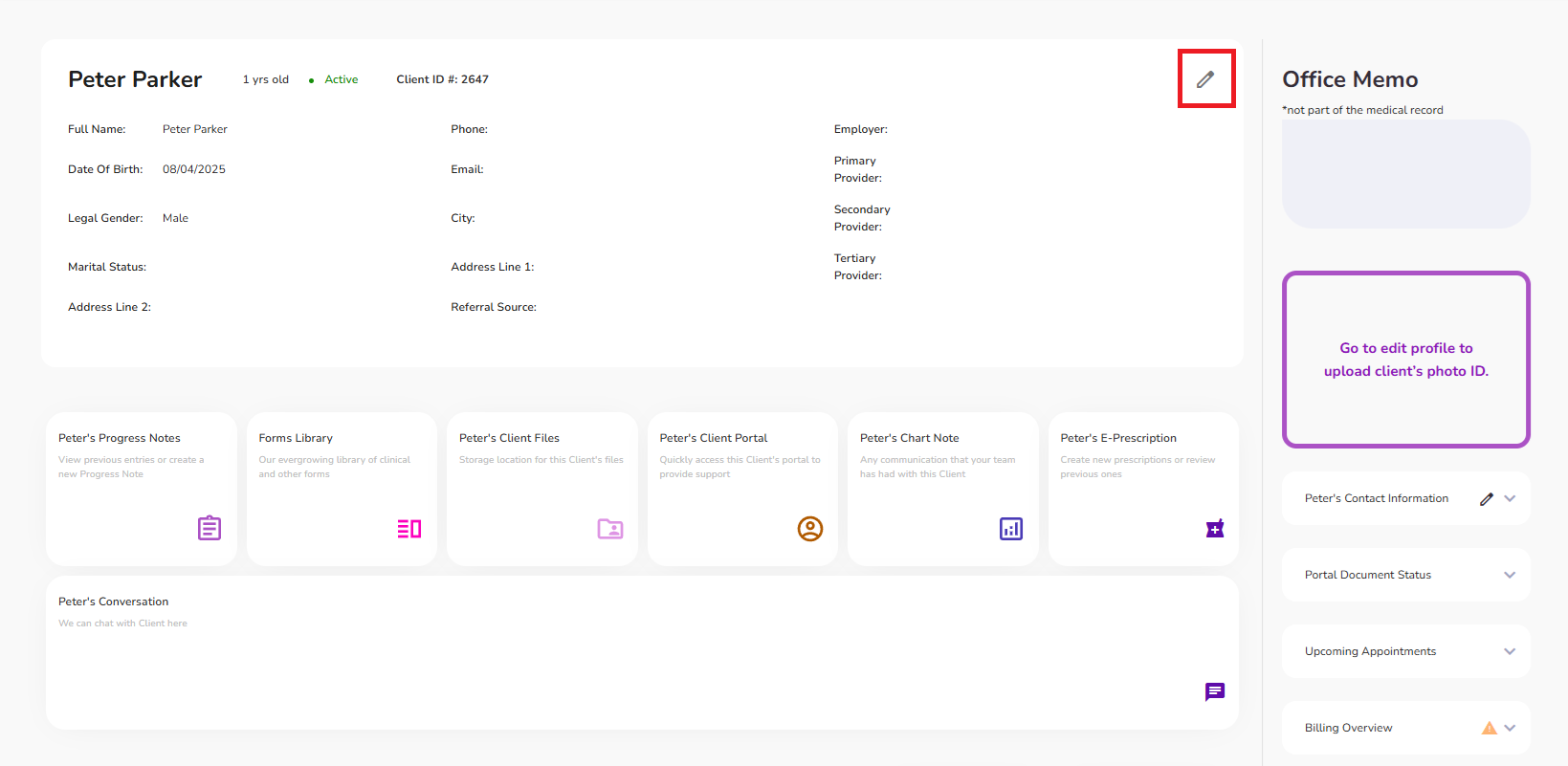
Pre-authorization details can be configured in the client’s profile. To do this, open the client’s profile and select the pencil icon to edit.
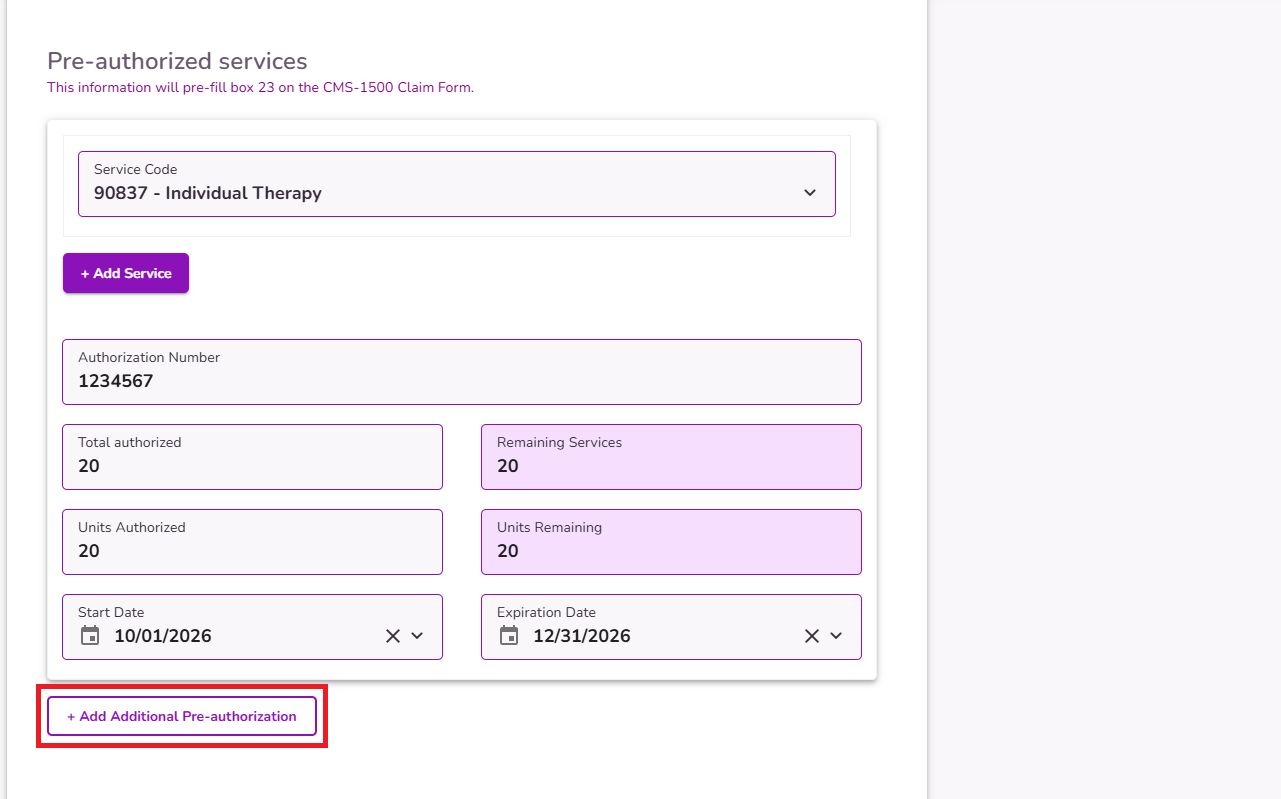
Select the Financial and Insurance Info tab. From there, you can configure pre-authorization for specific services.
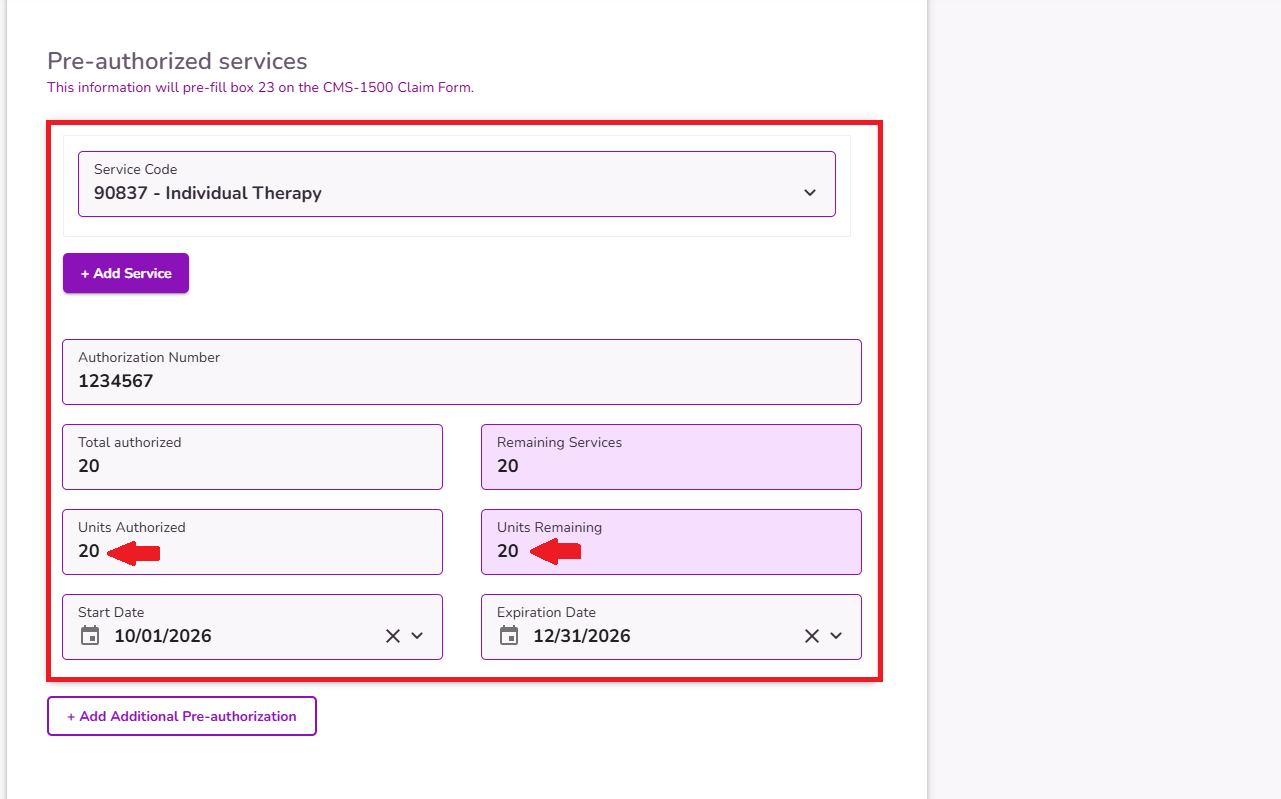
You can click +Add Additional Pre-authorization to add more than authroization for your services.
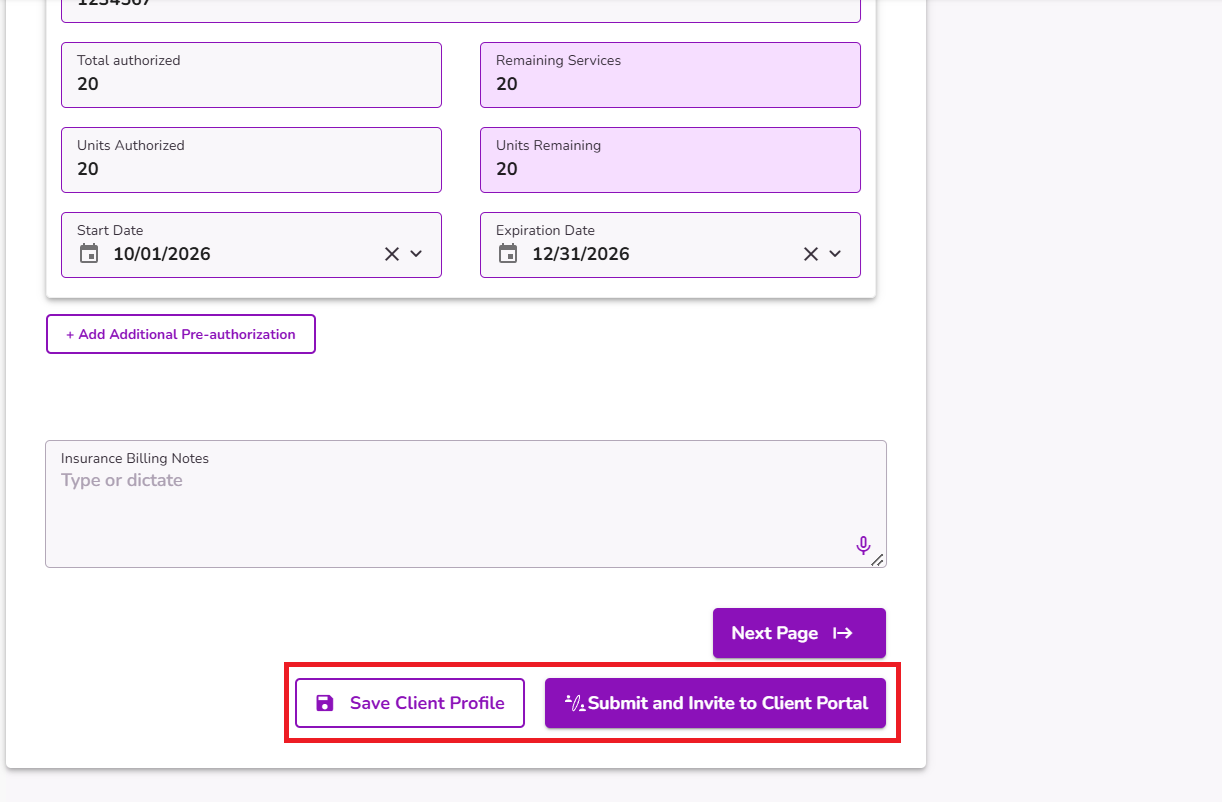
Once configured, make sure to select Save Client Profile or Submit and Invite to Client Portal.
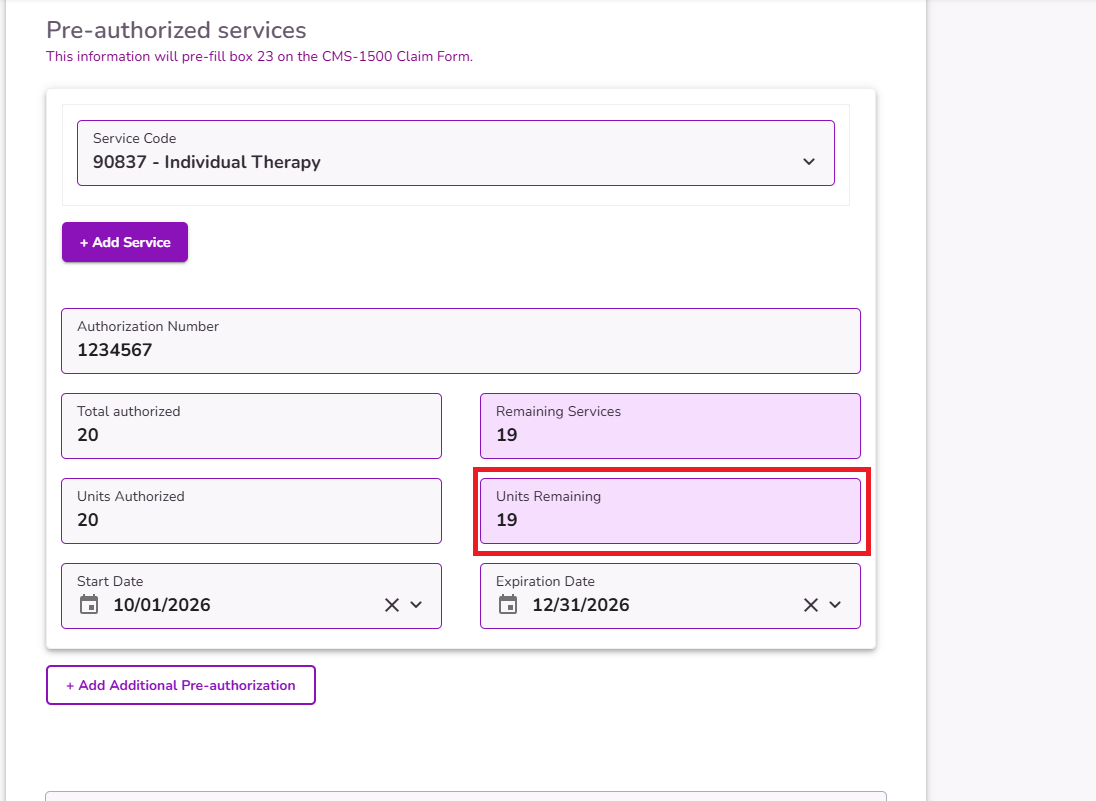
Important: When an event for the client with the associated service code is marked as Attended, the "Units Remaining" count will be autmoatically deducted based on the units assigned to the appointment.
Once the remaining units reach the configured alert threshold, the alert will be triggered.
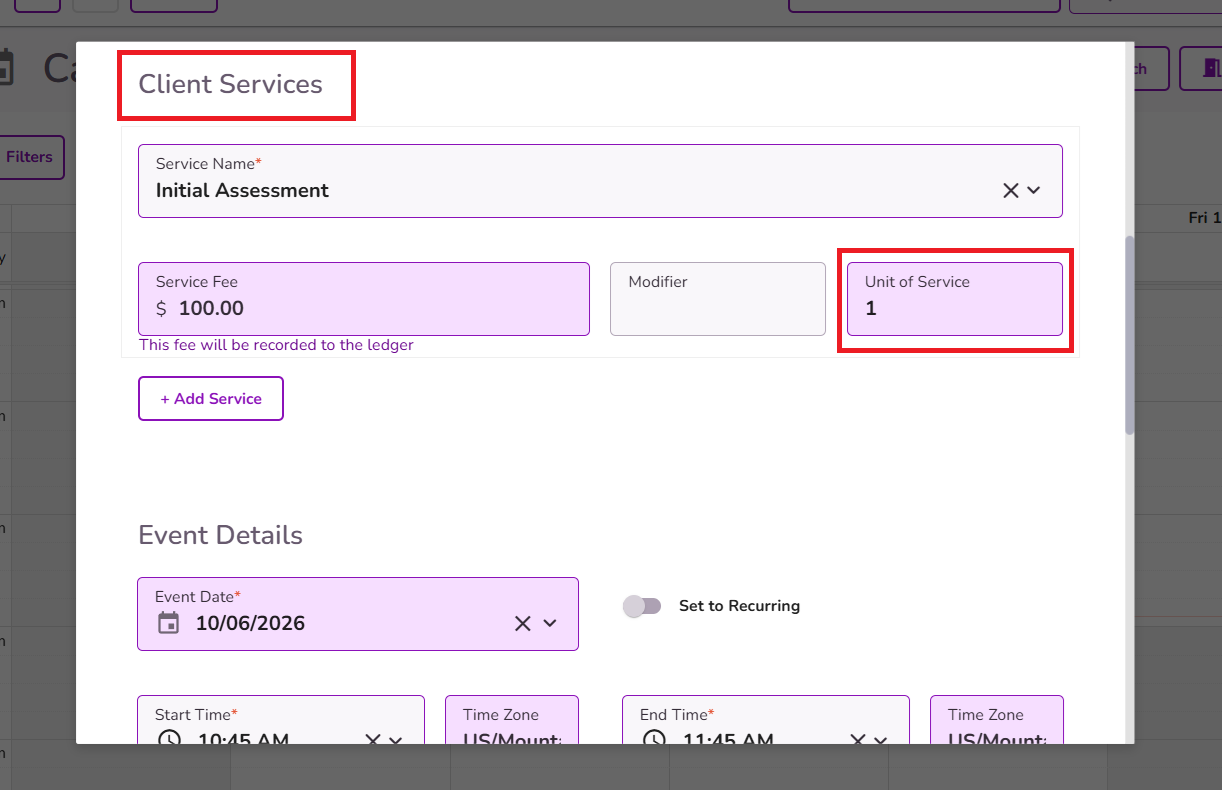
The number of units assigned to an appointment is displayed when the service is added to the event. These units are pulled from the service configuration in Practice Manager.
For more information about Pre-authorized services, please refer to our guide here.


