How To Use Client Preferred Names
TiQ users can create client profiles using the client’s full legal name, while also adding a preferred name if needed. This guide explains how to configure these names and how they will appear across different features in TiQ.
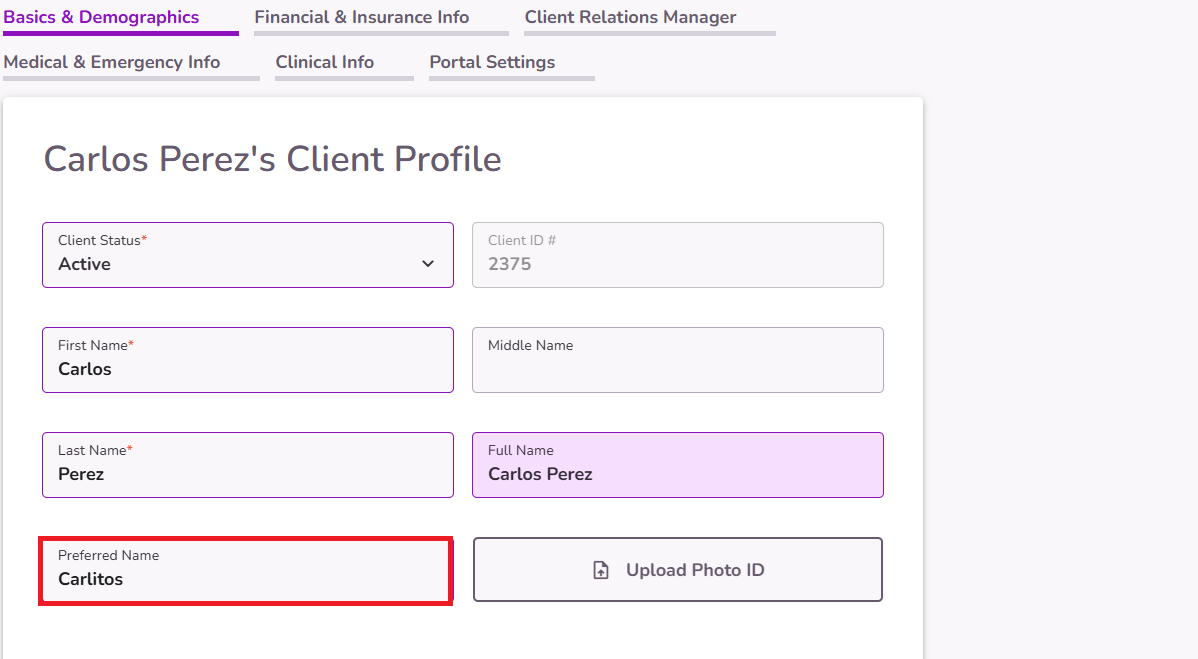
To add or update a client's preferred name, open the Client Profile Editor
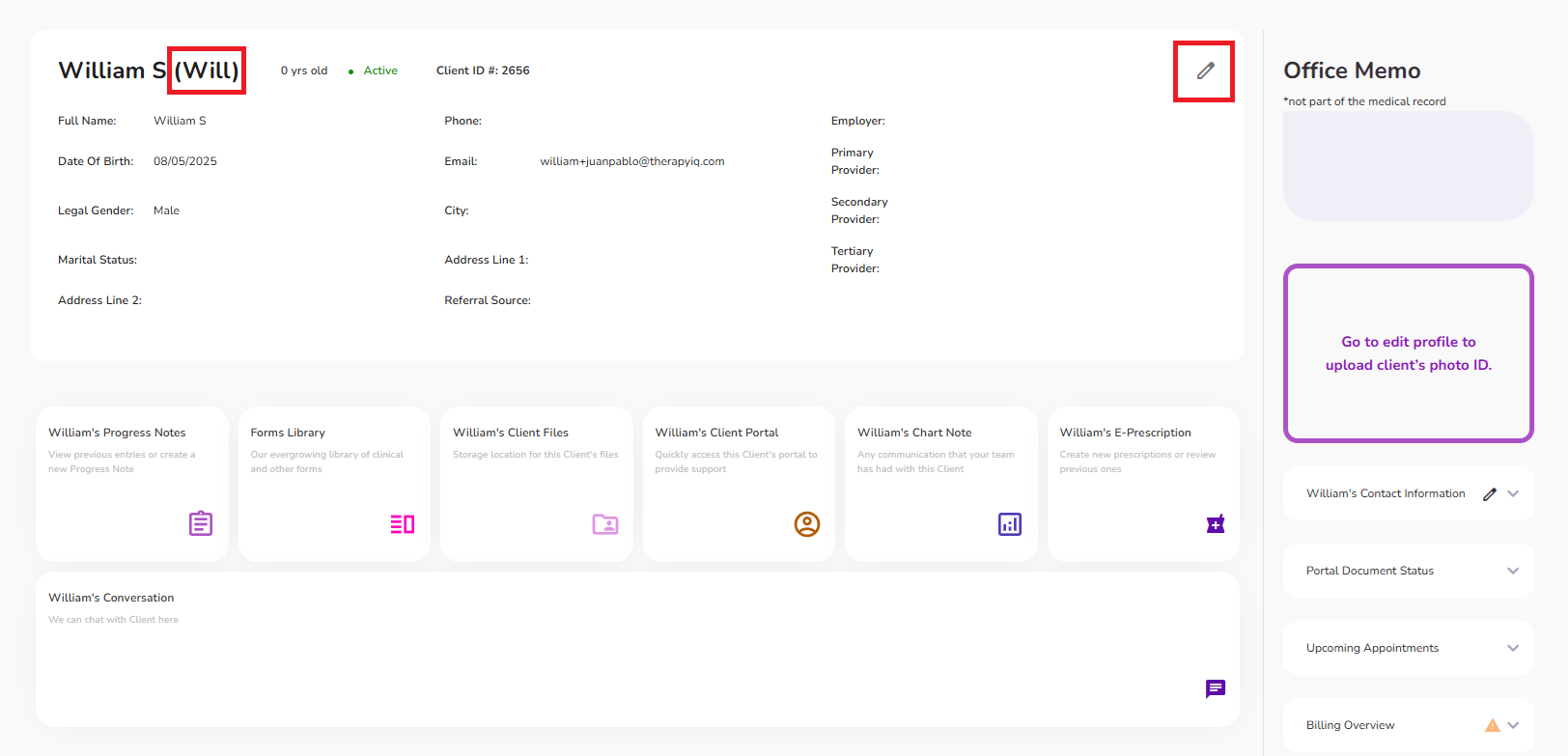
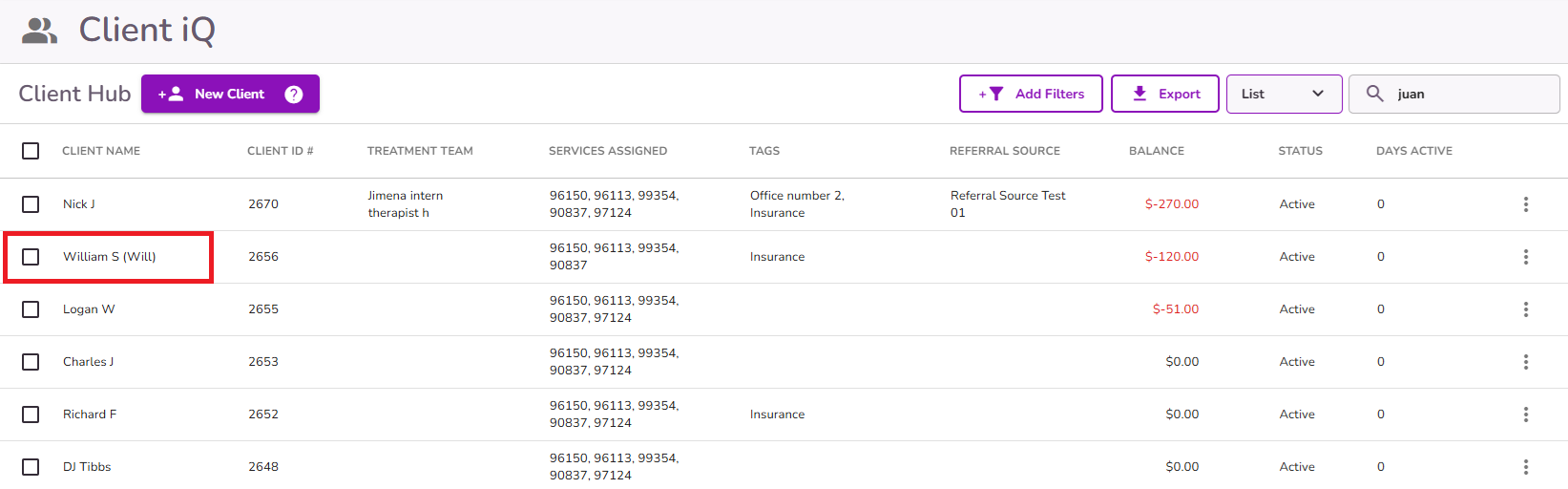
When a preferred name is added, it will be visible throughout the practice in different areas such as Client iQ.
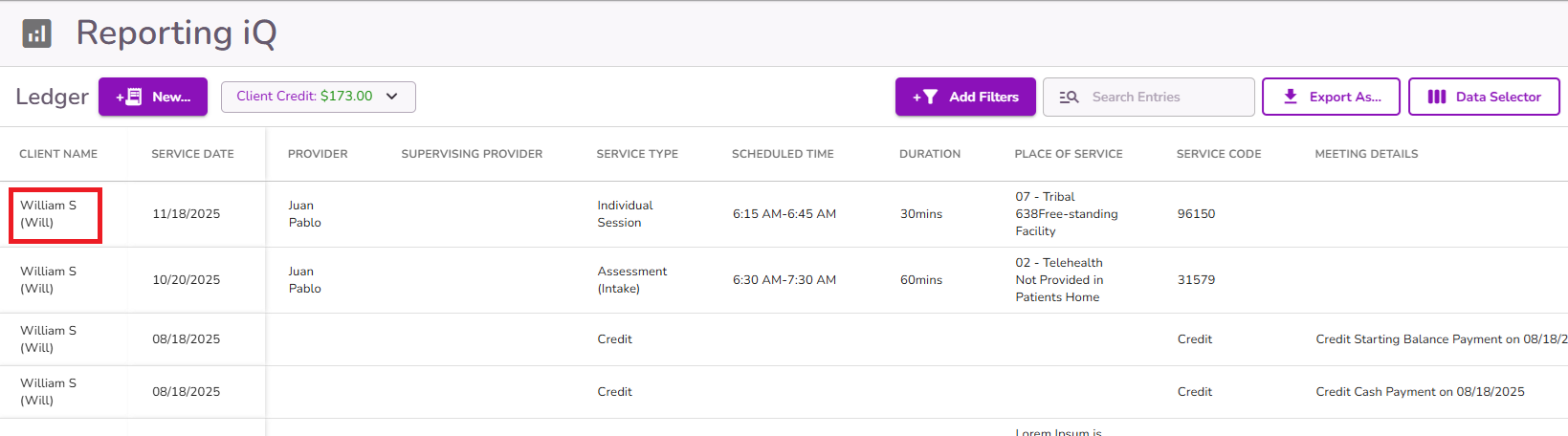
Also, the Ledger will display the client's legal name followed by their preferred name in parentheses for accurate tracking and identification.
NOTE: This format will appear in logs and views across various features, including Reporting iQ, Insurance iQ, Client iQ, Email iQ, Video iQ, and others.
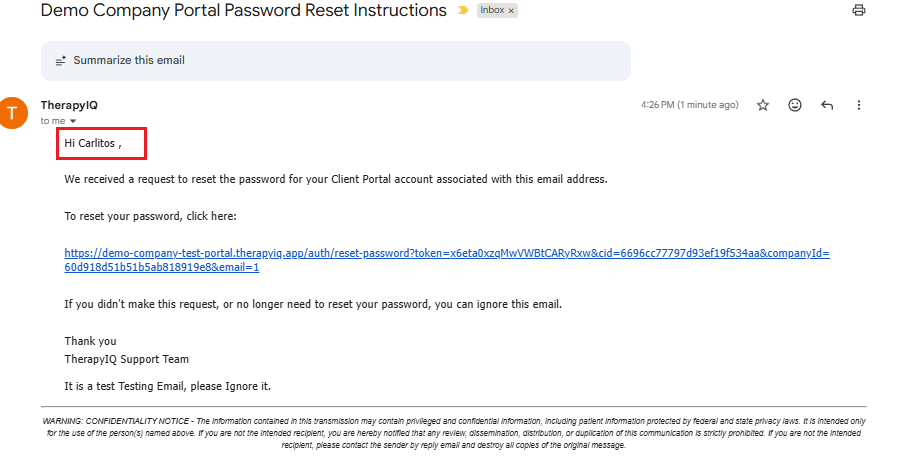
Portal notifications, event invitations and reminders, and other automated emails will display the client's preferred name.
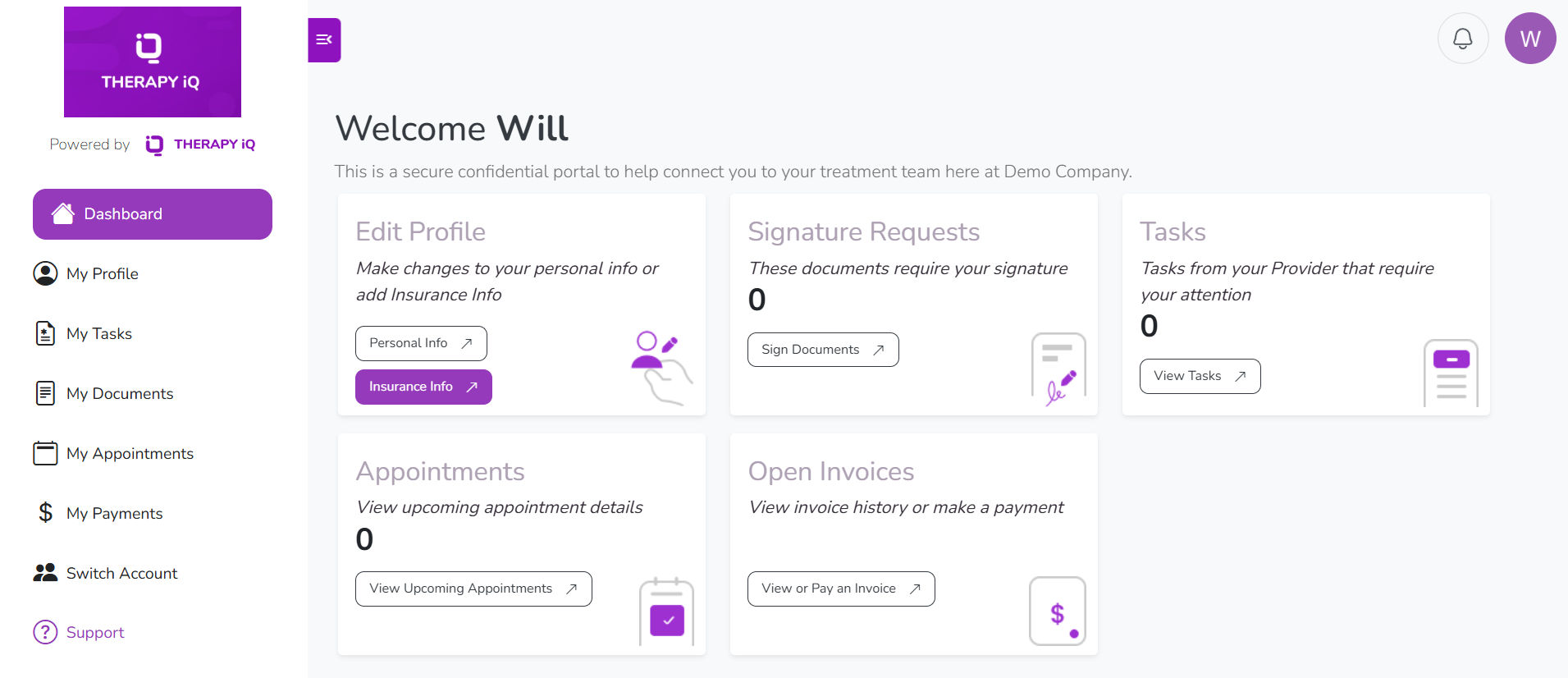
The preferred name will also be shown as the main name in the Client Portal
In Calendar IQ, the preferred name will appear in the event details.
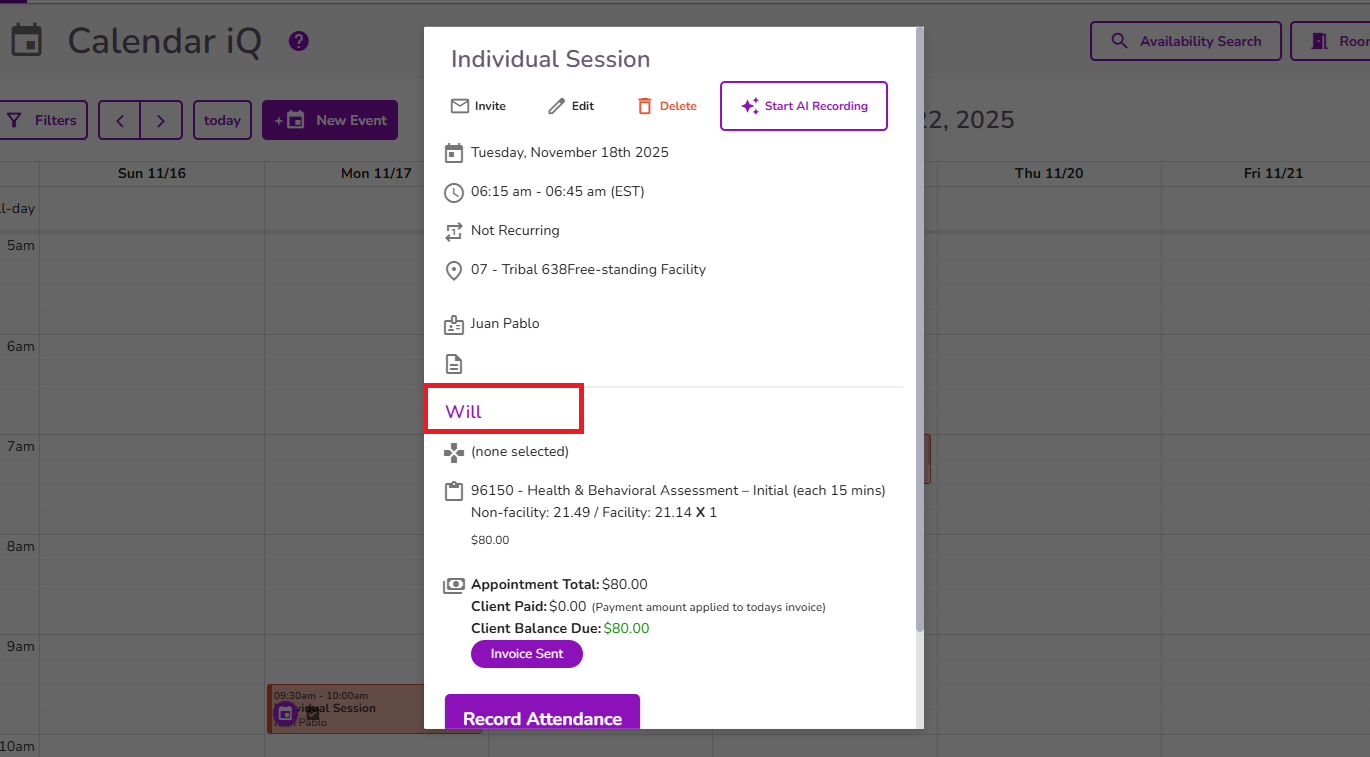
This allows users to identify and search for clients using either their legal or preferred name, helping differentiate clients during scheduling and other processes.


