Availability Settings – Multiple Availability Slots
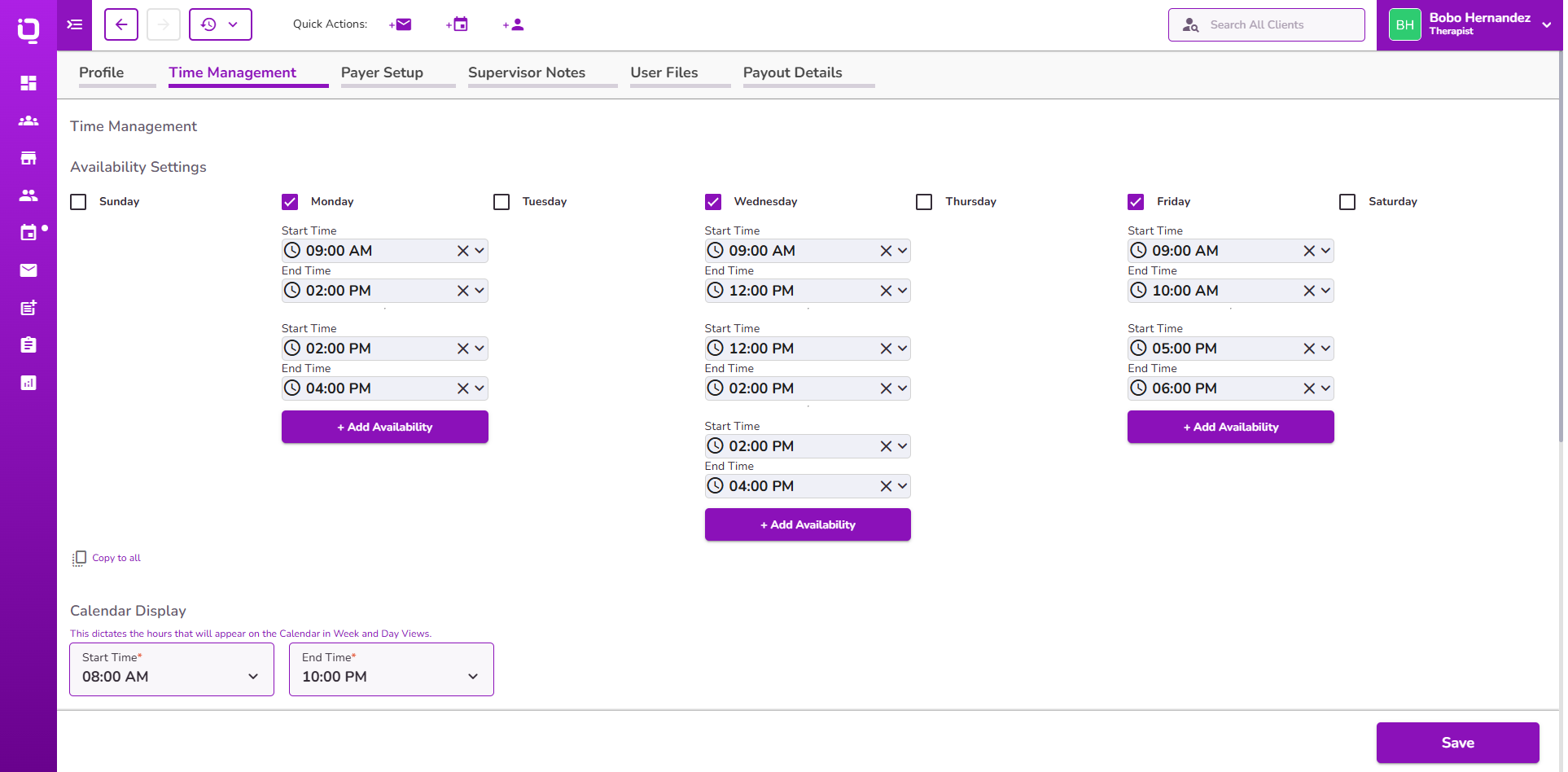
Availability Settings have been enhanced to provide greater flexibility when managing provider schedules.
- Users can now configure multiple availability time slots for the same day of the week
- Supports more complex schedules with morning, afternoon, or split availability blocks
- Makes it easier to maintain recurring weekly schedules
👉 Learn more about Availability Settings
Dashboard Alerts – Client Status Filtering
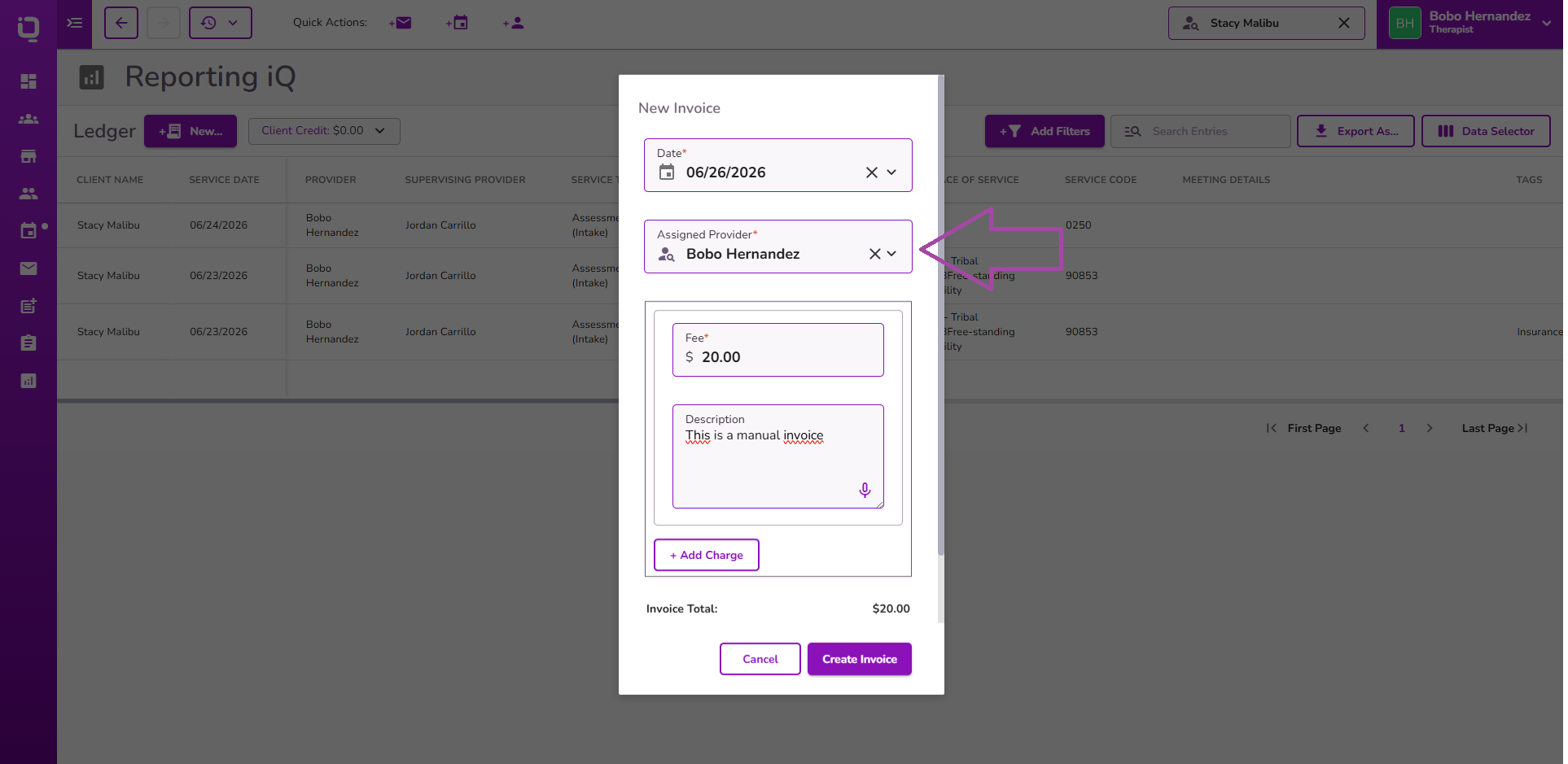
Dashboard alerts have been enhanced to improve visibility and remove alerts that users cannot act on.
- Alerts associated with deleted, inactive, and archived clients are no longer displayed
- Applies across all dashboard alert types
- Relevant alerts can reappear if an inactive or archived client is reactivated
👉 Learn more about Dashboard Alerts
Manual Invoices – Assigned Provider Field
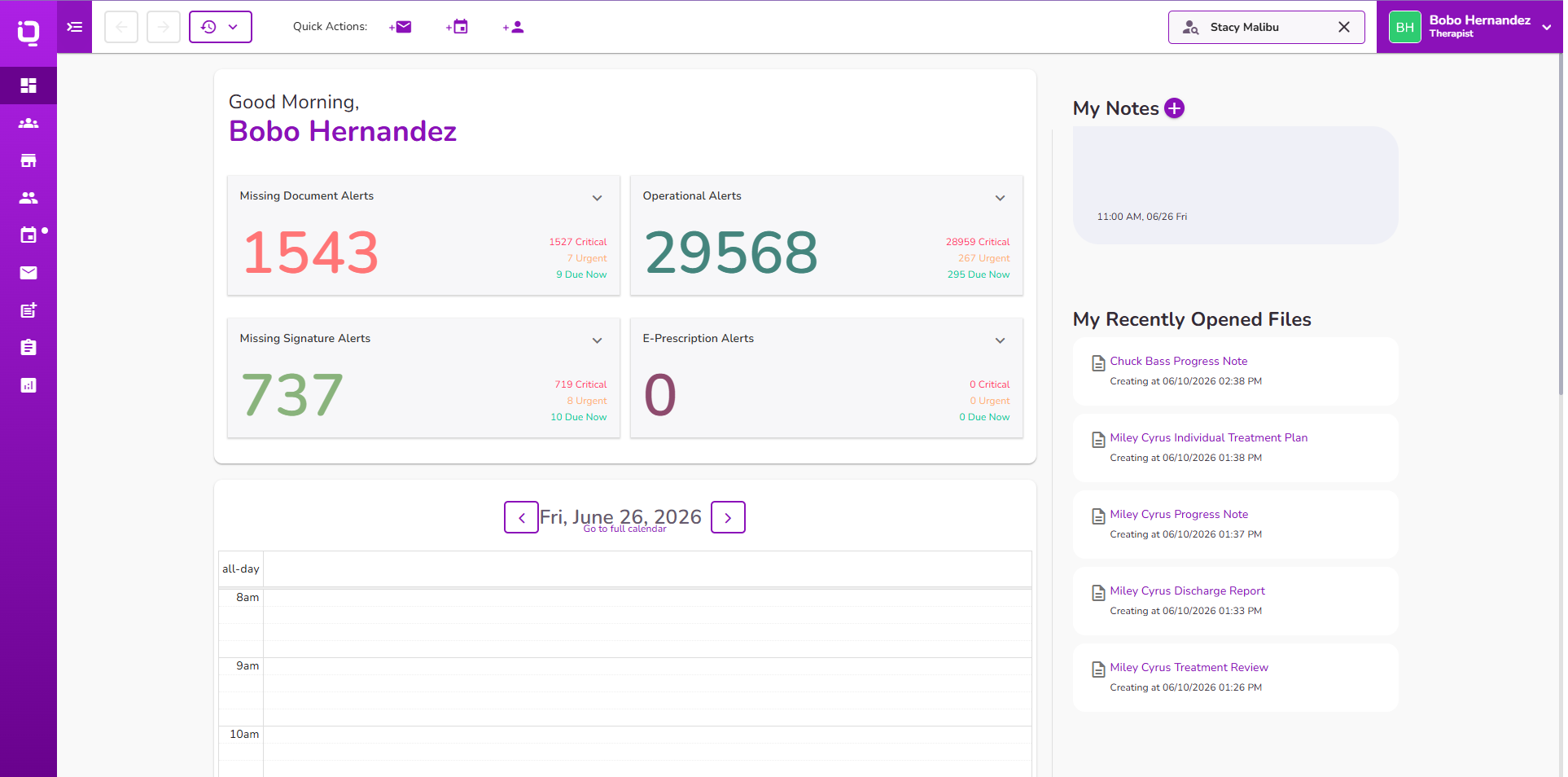
Manual invoices have been enhanced to support provider attribution for invoices created without an associated event.
- A new required Assigned Provider field is available when creating invoices without events
- Users can select any provider or choose "None"
- Selected providers are displayed in the Provider column across the Client Ledger Overview and General Ledger
- Invoices with "None" selected will display a blank Provider field in the ledgers
👉 Learn more about Manual Invoices
