Release 1.84
01/07/2026
🚀 Automated Superbills are here!
We’ve added a powerful new setting to automate superbill delivery, making monthly delivery faster and effortless.
⭐ What’s new
- Turn on auto-sending of superbills at the practice level
- Choose which clients receive
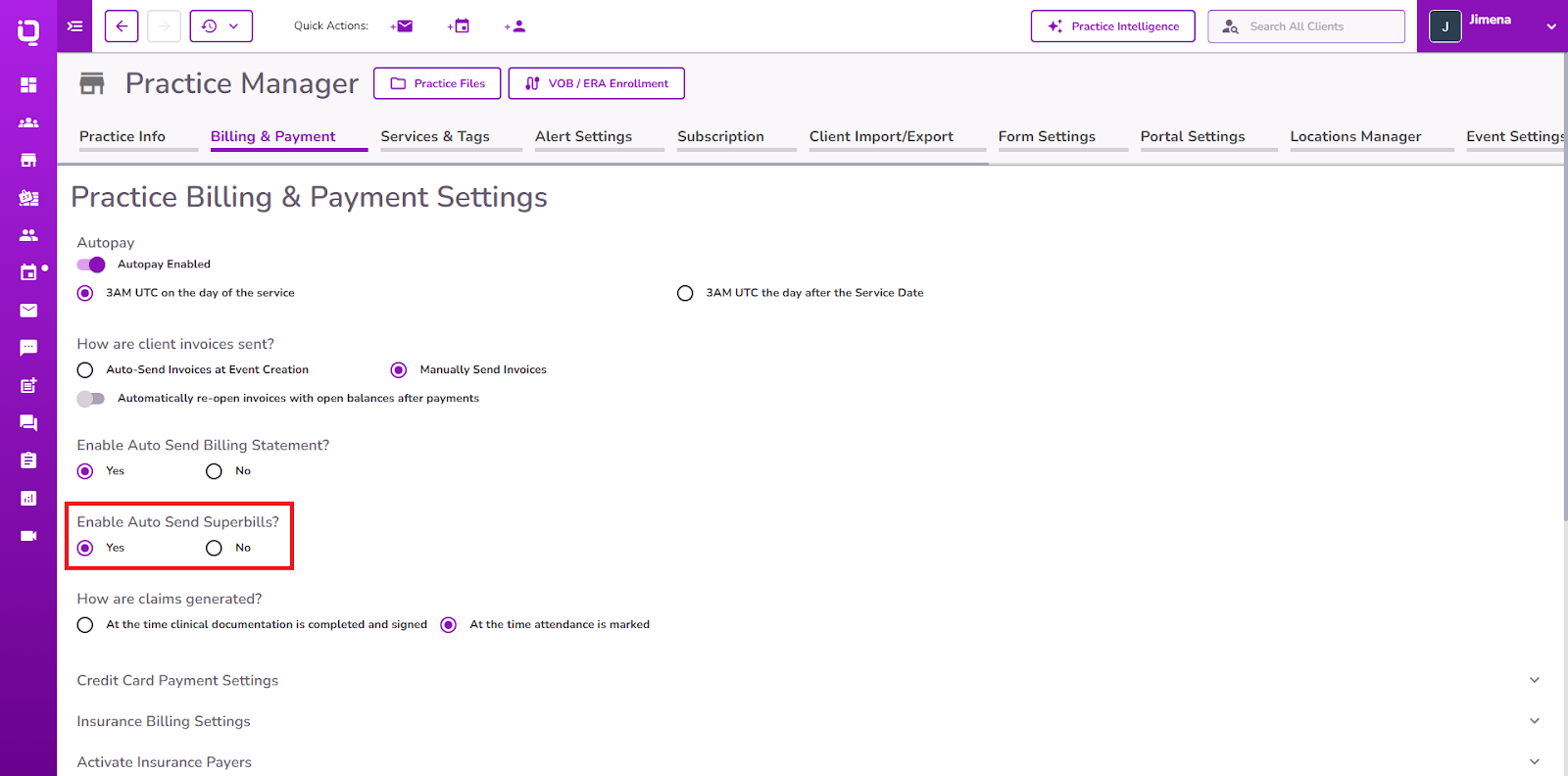
- superbills within the client profile
- Monthly PDFs are sent automatically on the 15th
- Only active clients with valid emails are included
👉 Learn how to configure your settings here
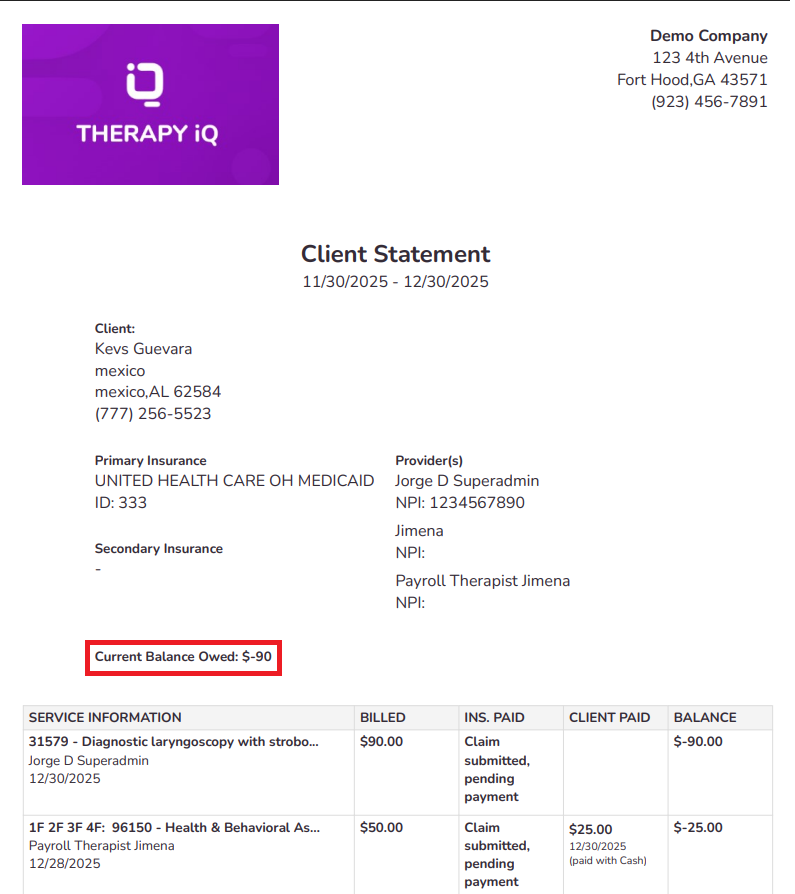
🧾 Client Statement Balances
Client statements now show a more detailed current balance owed amount. Now reflecting the full account balance—no matter how the statement is filtered.
⭐ What’s new
- The “Current Balance Owed” now shows the full client account balance
- Date filters no longer affect the balance
- The Total row still reflects only the selected statement period
👉 Clearer, more consistent balances you can trust
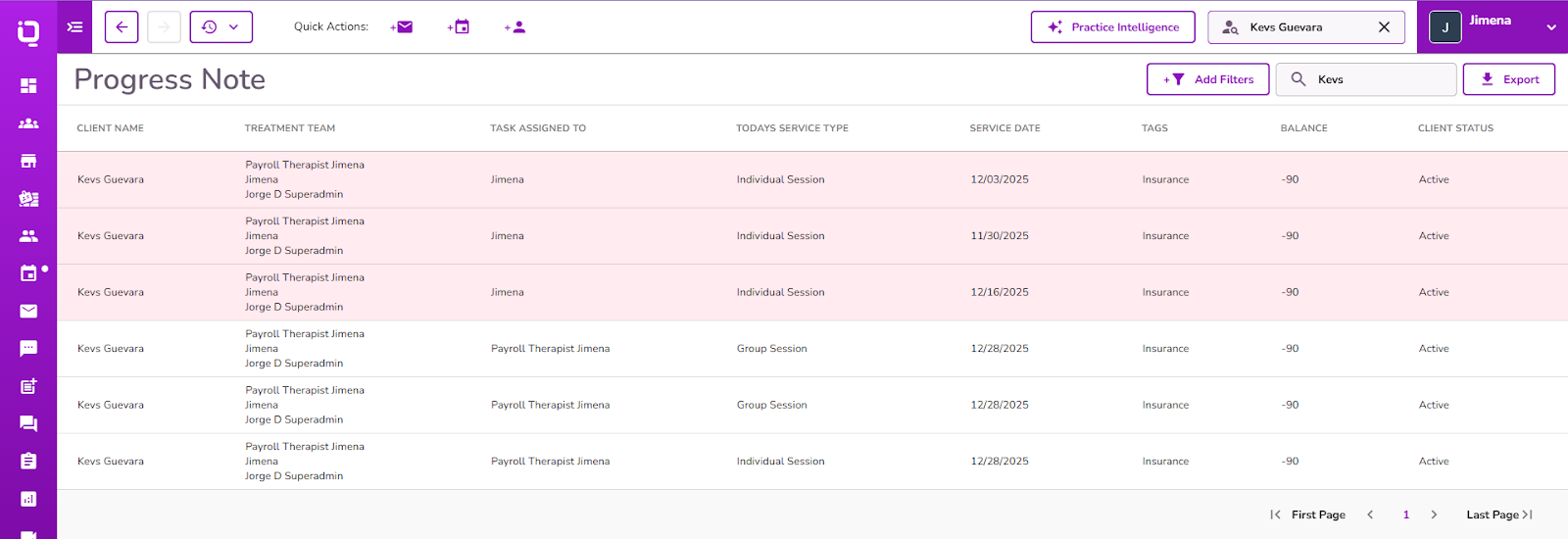
🔔 Smarter Progress Note Alerts
We’ve enhanced how the Progress Note due alert triggers.
⭐ What’s new
- Alerts are now based on the event type
- Only session events trigger Progress Note alerts
- Non-session events no longer show alerts
👉 Understand the Progress Note Alerts
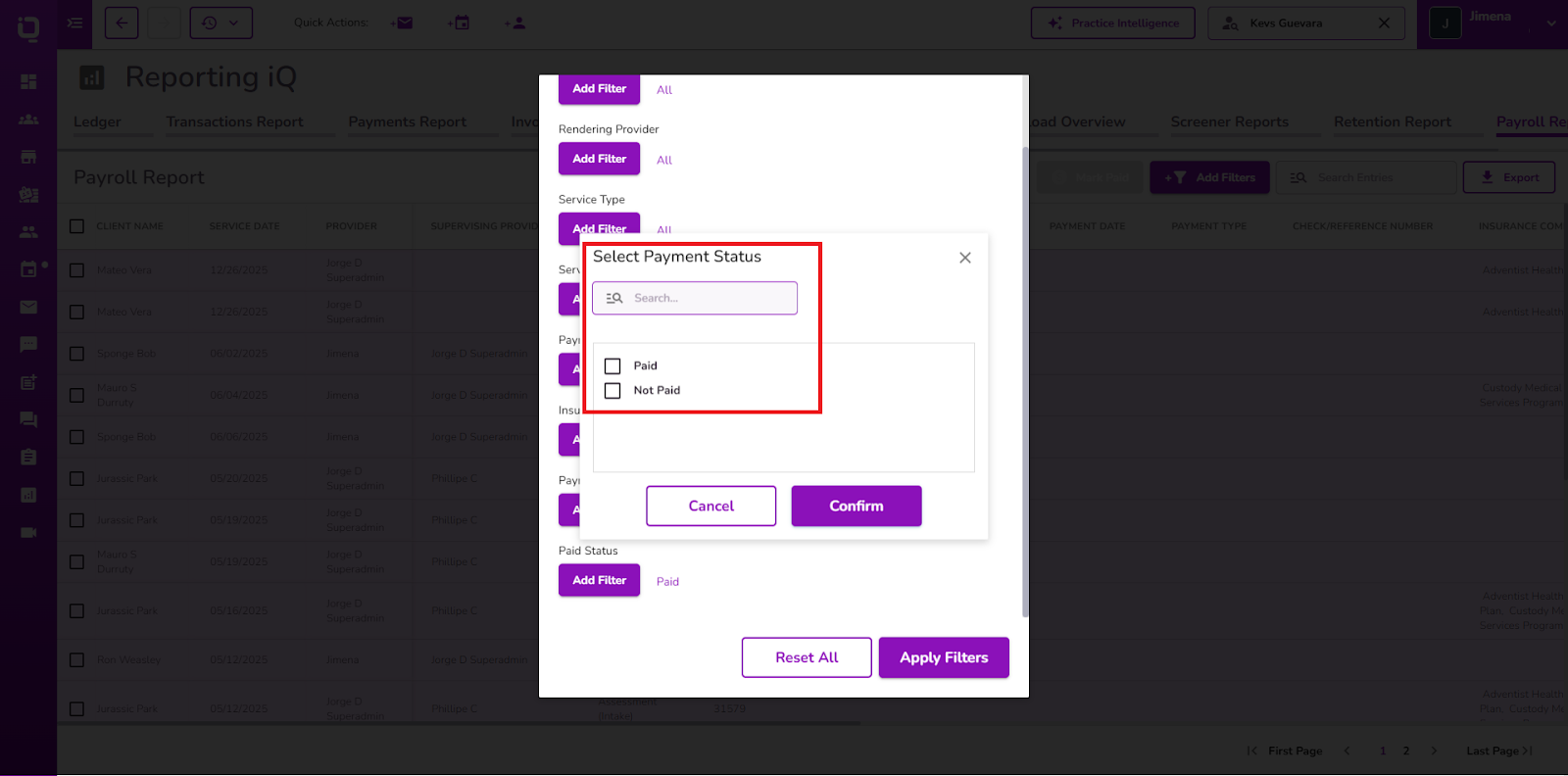
💰 More Control Over Payroll Report
You can now filter payroll data based on whether services are paid or unpaid.
⭐ What’s new
- New Paid / Not Paid filter added to Payroll Reports
- Easily view only paid or unpaid services
- Your selected filter remains selected
- Exports reflect the filter data
