Utilizing the TiQ Idea Board
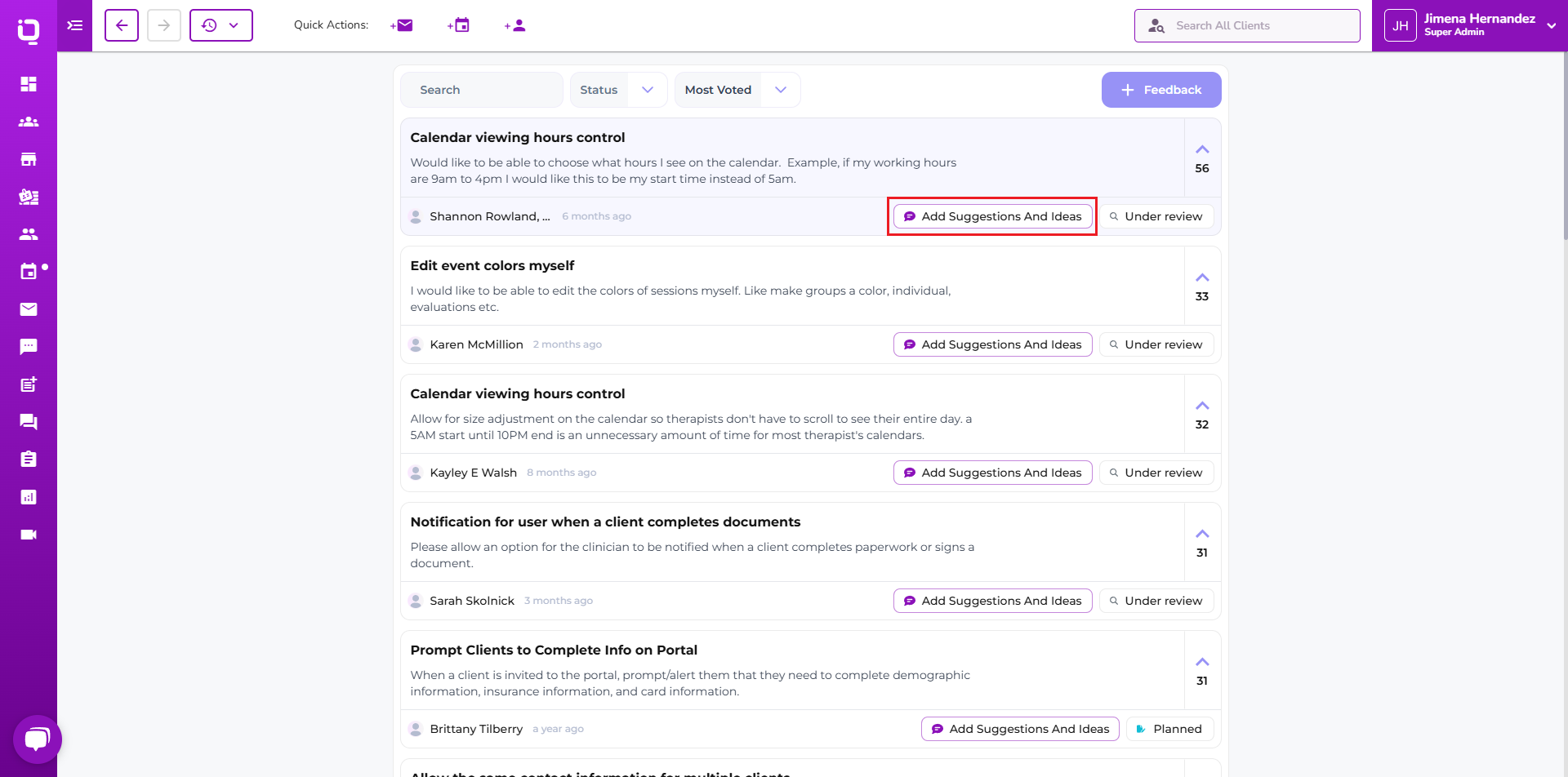
The TiQ Idea board allows users to submit ideas and suggestions to the support team.
From any page within the application, navigate to the drop-down arrow in the upper right-hand corner and select Share Your Ideas.

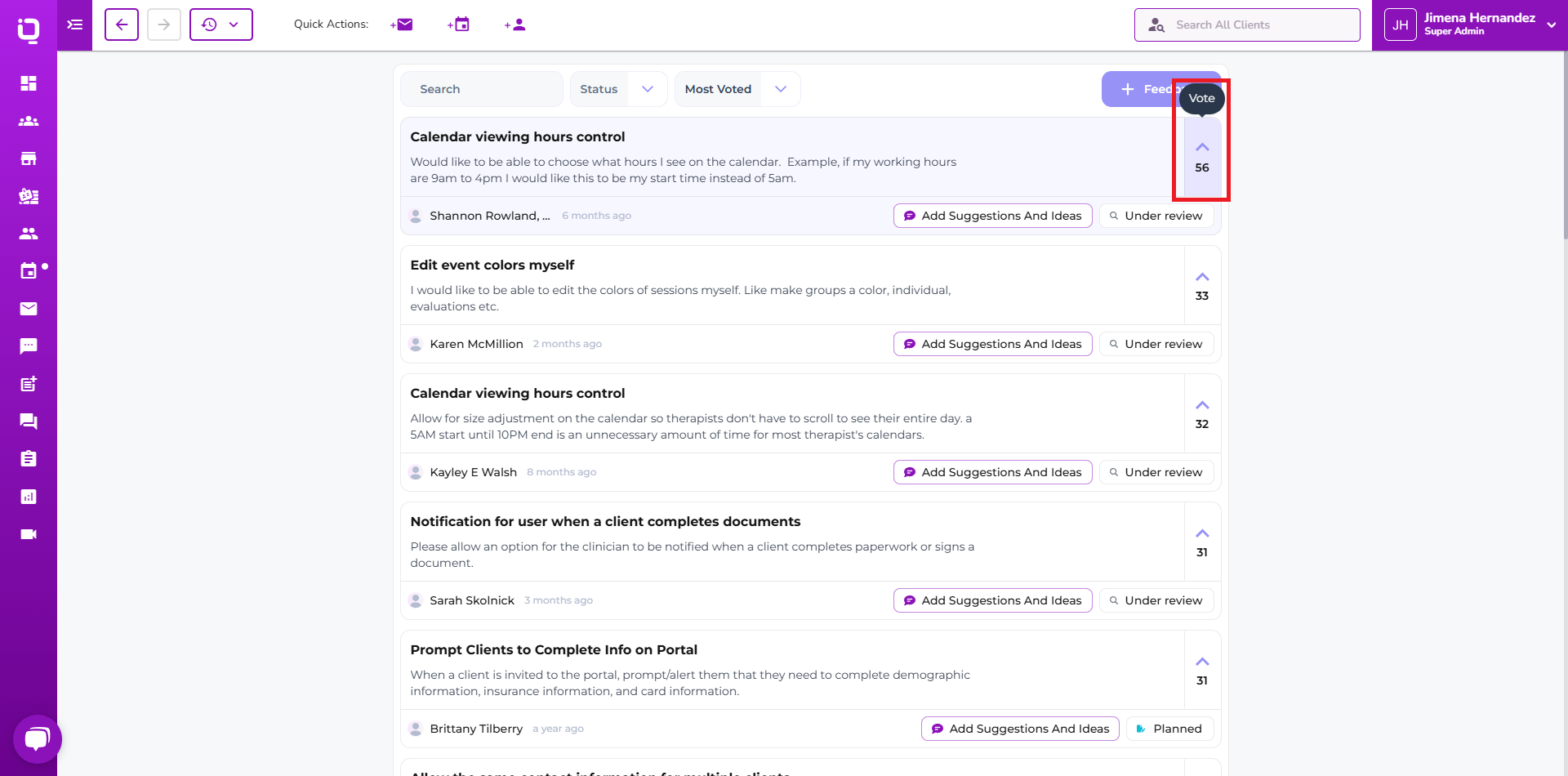
On the Share Your Idea page, the user will be able to view ideas that have been submitted and upvote accordingly. To Upvote, select the Arrow up ^. And to remove your vote select the ^ arrow again. You will see your vote removed.
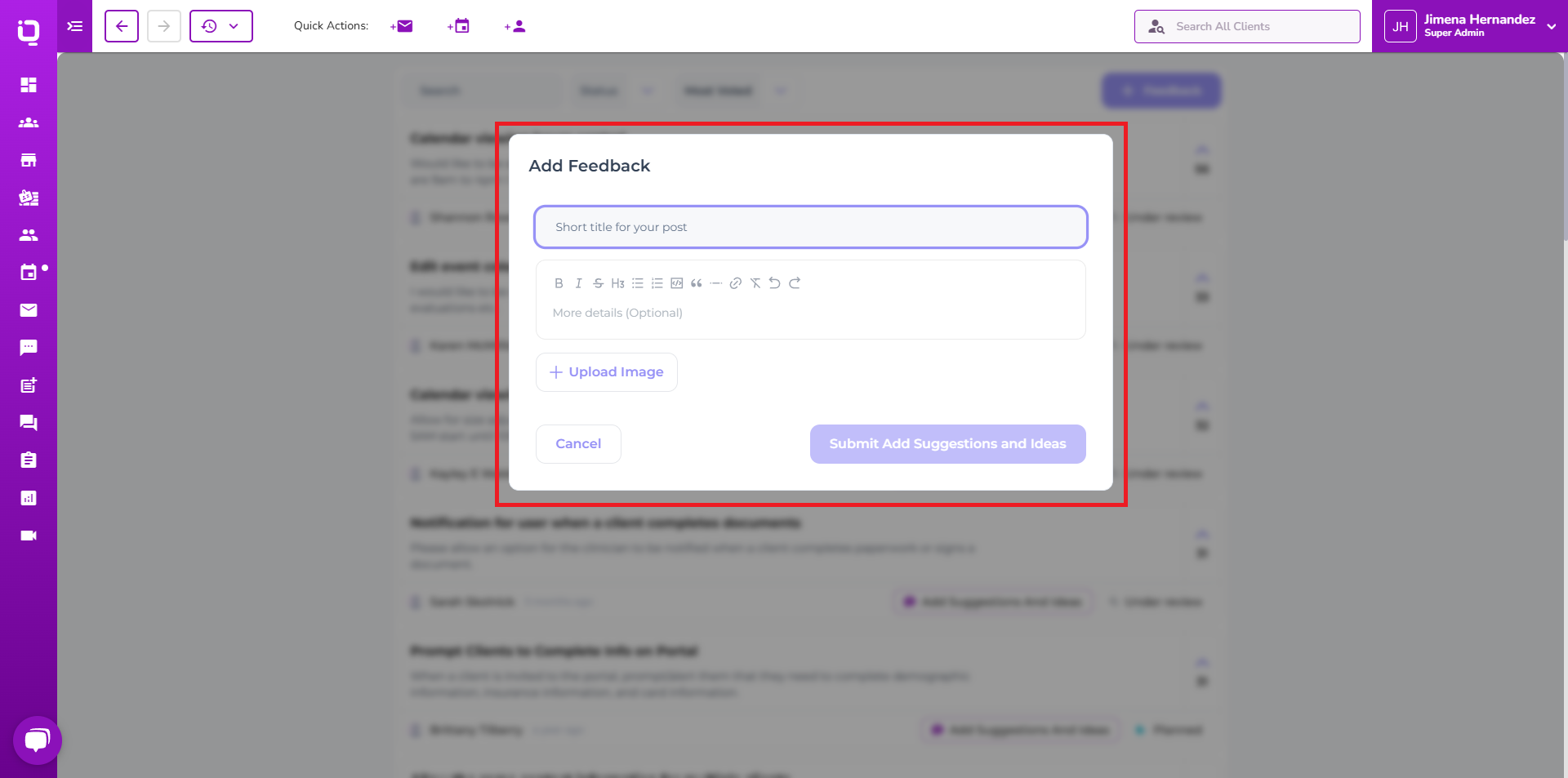
Users can submit new ideas by creating a new post, select the '+Feedback' button.

When creating a new post for the idea board, the user must add a title and as many details as possible; additionally, images can also be added to the post.
Once the post is submitted, it will be held in moderation until a TiQ team member approves it. If a post is lacking details, they may get declined.
Once approved, the post will be live for others to upvote as well.
You can add comments to other ideas by selecting the 'Add suggestions, and ideas button.