Understanding The Treatment Review Reports Due Alert
In TiQ, Treatment Review Reports help providers track client progress based on their current treatment plan over time.
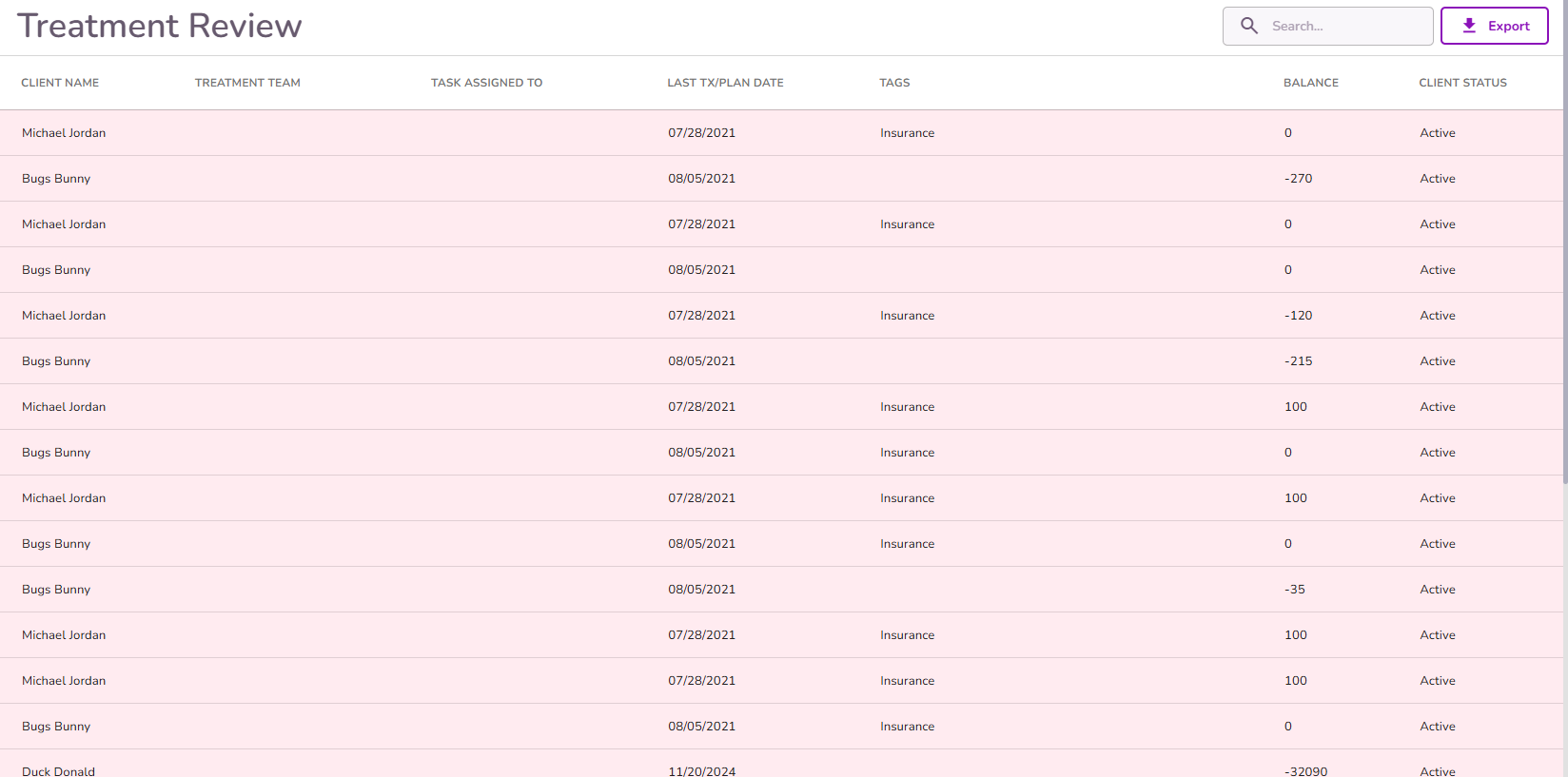
When a review is due, you’ll see a new alert appear in your Dashboard under Missing Document Alerts > Treatment Review Reports.
👉 Click here to learn how to complete a new Treatment Review Report

This alert is triggered based on the latest (most recent) Service Date across the client’s Treatment Review forms.

And the review frequency you've set for this alert under Practice Manager > Alert Settings

NOTE: The frequency you set applies to all clients and treatment plans. It is not specific to individual clients, treatment plans, or insurance providers.
How to Clear the Alert
Select the alert you want to clear.
You’ll be taken to the document that triggered the alert.
If you have a custom version of a Treatment Review Report, you can select it in the Form Type field (1).
Be sure to always select the Related Event as well (2)

Once you complete the document, hit Submit at the bottom.

Once submitted, the alert will automatically be cleared from your Dashboard.


