Understanding Billing Rules (If/Then)
The If/Then Billing Rules in TiQ are designed to ensure the accuracy of session durations for the services you provide and to help you better manage your finances by ensuring that you’re charging the correct amount for each session.
Note: Editing billable forms or events will not override configured Billing rules. For instance, updating the scheduled or actual time on a billable form will not affect or break these rules already applied.
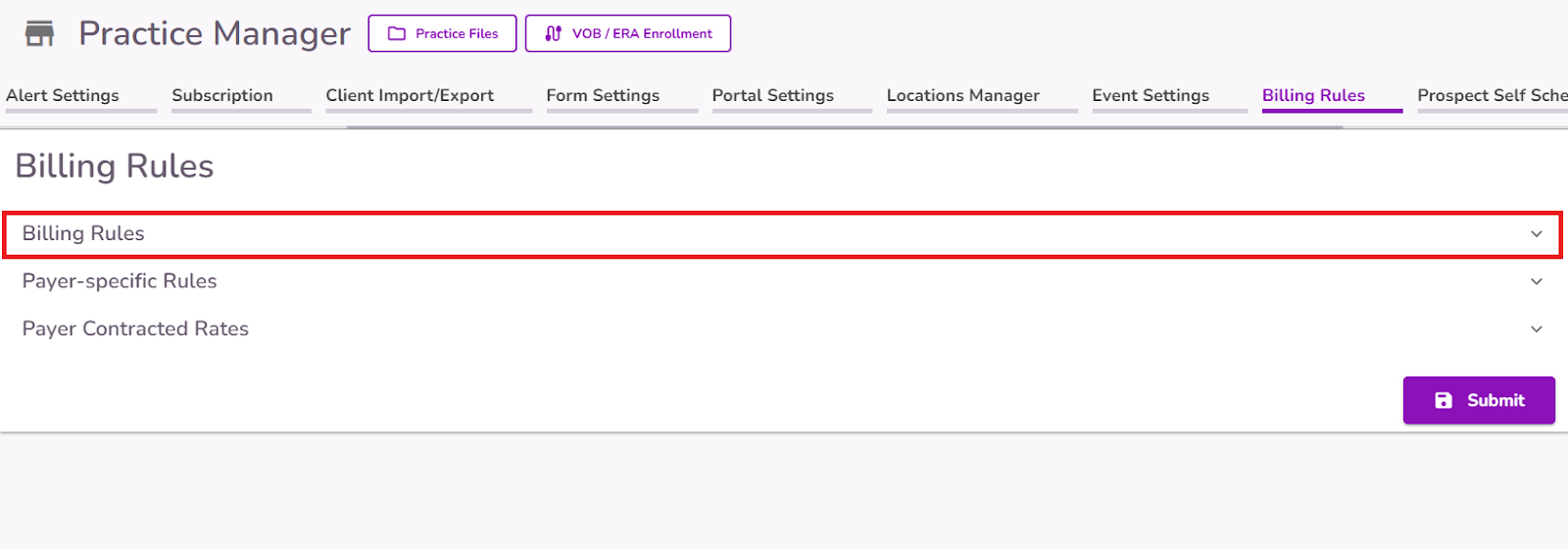
In Practice Manager, navigate to the Billing Rules tab.

Select the Billing Rules dropdown.
Select the +Add More button
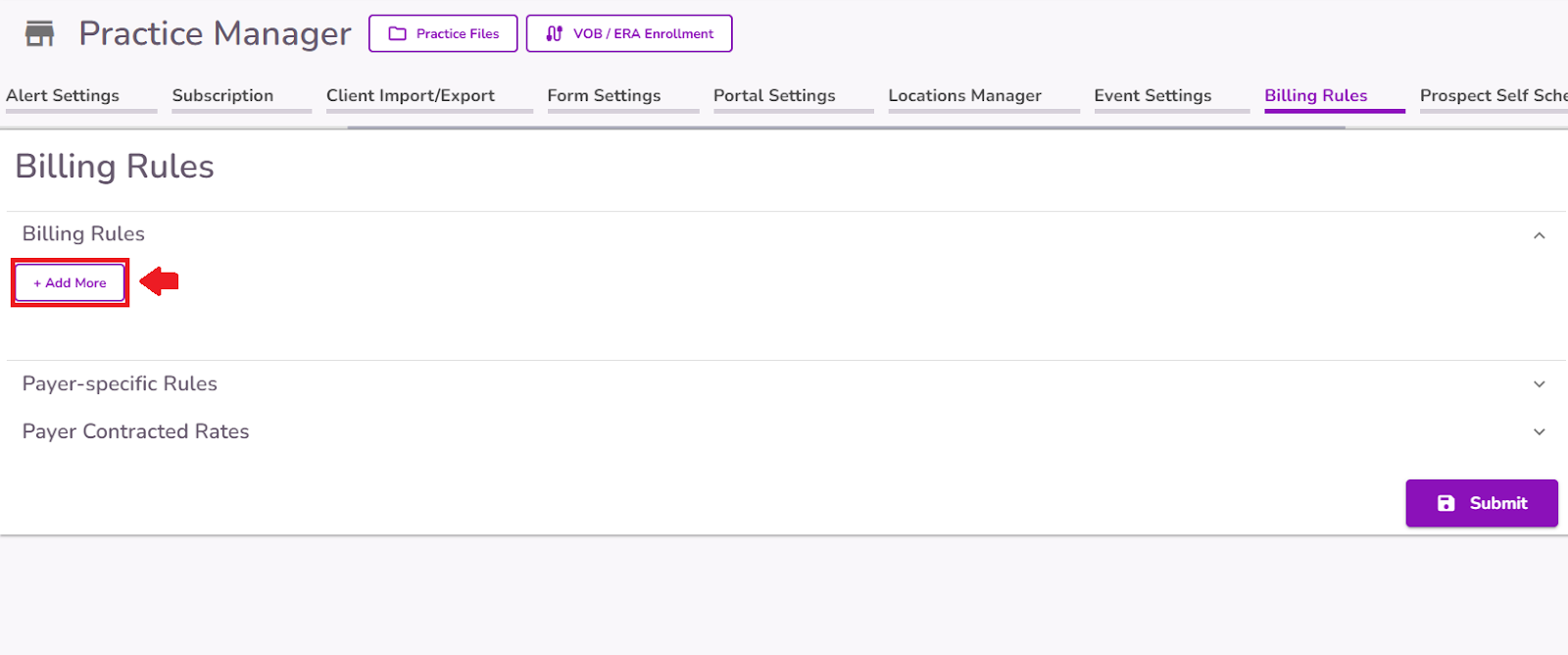
You’ll see the following fields:
- IF - CPT code
- IS - More than / Less than
- DURATION - mins
- THEN USE CODE - CPT code

Set the rules that best suit your practice. The CPT code entered in the “If” box will be replaced by the CPT code in the “Then Use Code” box if the "More than/Less than" condition is met based on the actual event duration.

TiQ will check whether the “More than/Less than” condition has been met for the specific CPT codes you've configured in Practice Manager, based on the actual event duration recorded when completing any of the following forms for an event:
- Biopsychosocial Assessments
- Treatment Plan
- Progress Note
- Treatment Review
- Discharge Report


If the condition is met, the CPT code for that session and the service fee will be updated in the event details, the client Ledger, invoices, and any other related documentation.
IMPORTANT: The calendar event will not move on the calendar even if the time of actual service is different than the scheduled time.


