Understanding Calendar iQ Event Types And Colors
At Therapy iQ, we understand the importance of having organization on your calendar. In this guide, we will show how each Event Type and its color will display on your calendar.
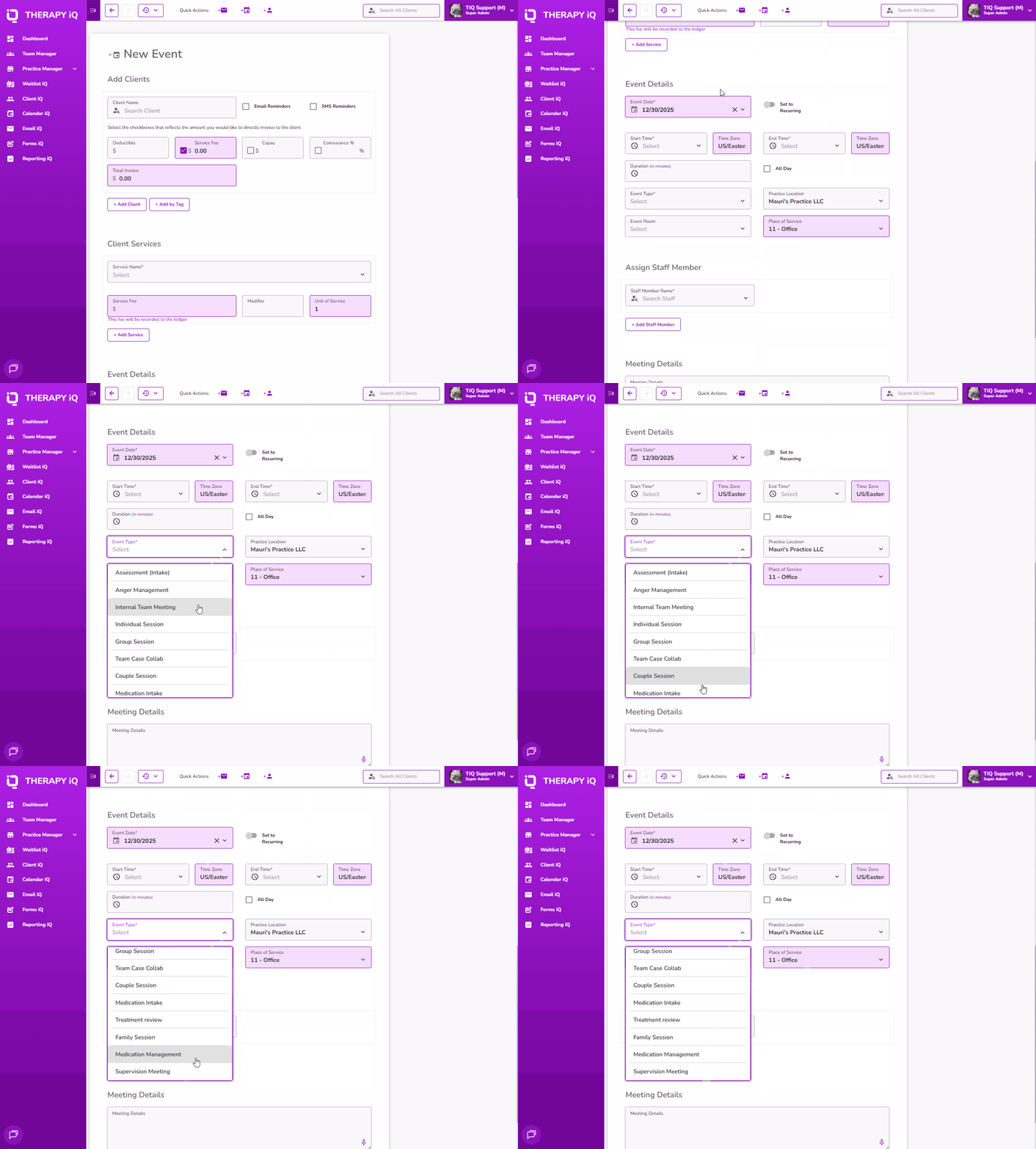
From Calendar iQ, when creating a new event, you will see a drop down with pre-selected options to choose from in the Event Name field. You can also enter a custom event name here as well.
NOTE: These are the default Event Types in TiQ. You could also create your own custom Event Types in Practice Manager. Click here to learn more.
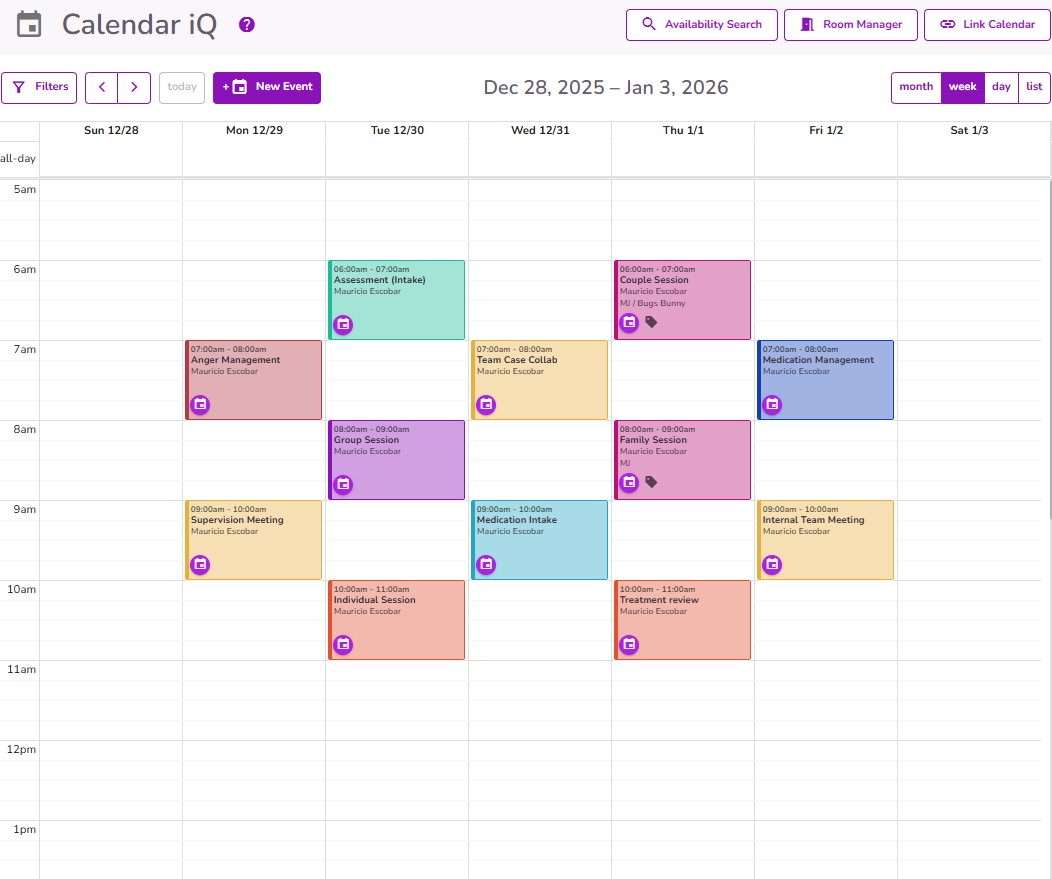
Each default Event Type has a color linked to it. Below is a reference showing each Event Type and the color associated with it.
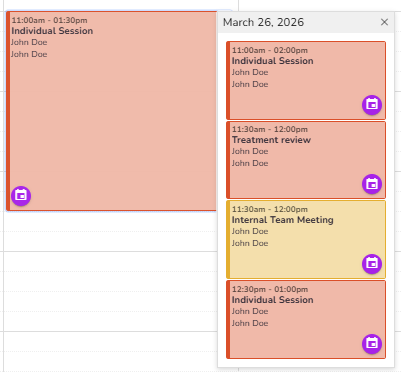
It there are different events scheduled for the same time, the calendar will display the most recent overlapping event:
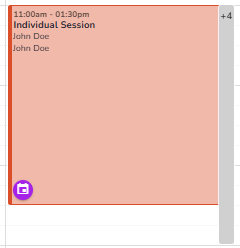
- If events have different start times, the event with the earlier start time will appear on top.
- If events have the same start time, the event that was created first will appear on top.
- Google (Busy) events will appear at the bottom when start times are the same.