How To Create A Treatment Plan From An Event
While you can create a Treatment Plan from the Forms Library in the client’s profile, you also have the ability to do it directly from the event right after you had the session with the client.
This guide will walk you through creating a treatment plan from the appointment.
On the event, click on the Documentation icon at the bottom, and select Individual Treatment Plan

Select Next on the pop-up message.

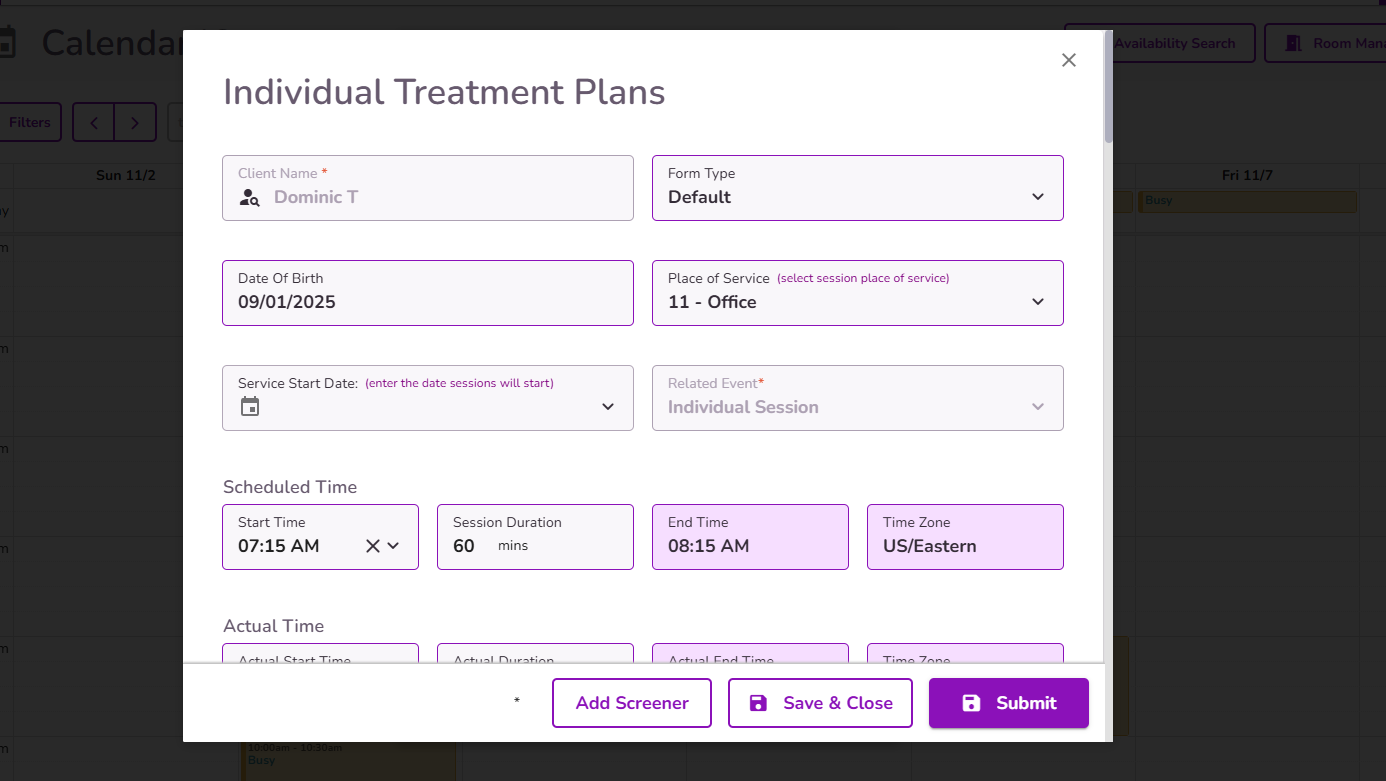
The treatment plan form will open directly from the appointment, allowing you to complete it based on your client’s treatment needs.
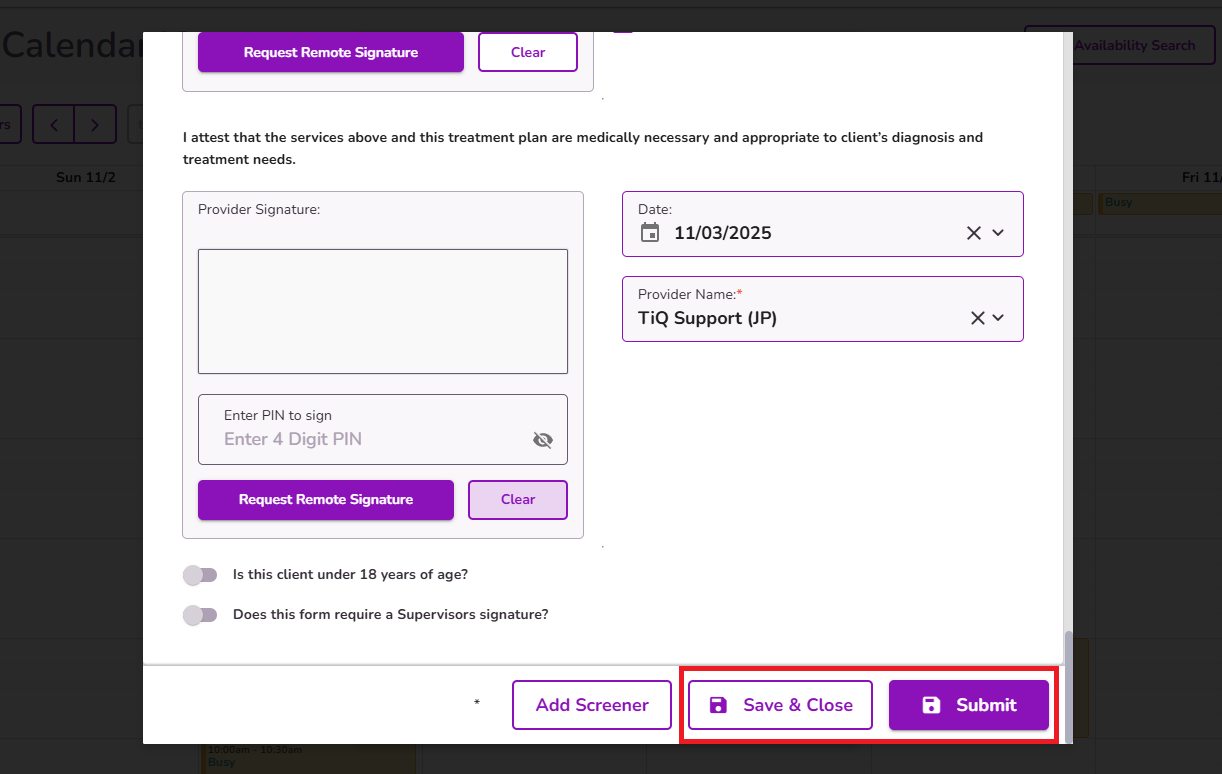
Complete the form by adding the necessary fields and select Save & Close or Submit.